iOS App Compatibility Issues: Common Causes and Solutions

Md Al Amin
Md Al Amin is the Founder and Lead…
In this article
Apple is known for its tightly controlled ecosystem, consistent hardware standards, and reliable software updates. Compared to other mobile platforms, developing for iOS is often considered more straightforward due to the limited number of device manufacturers and operating system variations.
However, that doesn’t mean compatibility issues don’t exist.
Many businesses and developers encounter situations where an app works perfectly on one iPhone but experiences crashes, display problems, performance issues, or feature failures on another. As Apple continues to release new iPhones, iPads, screen sizes, processors, and iOS versions, maintaining compatibility becomes an ongoing challenge.
For users, compatibility issues create frustration and poor experiences. For businesses, they can lead to negative reviews, reduced retention, lower engagement, and lost revenue.
In this guide, we’ll explore the most common iOS app compatibility issues, why they occur, and how developers can prevent and resolve them effectively.
What Are iOS App Compatibility Issues?
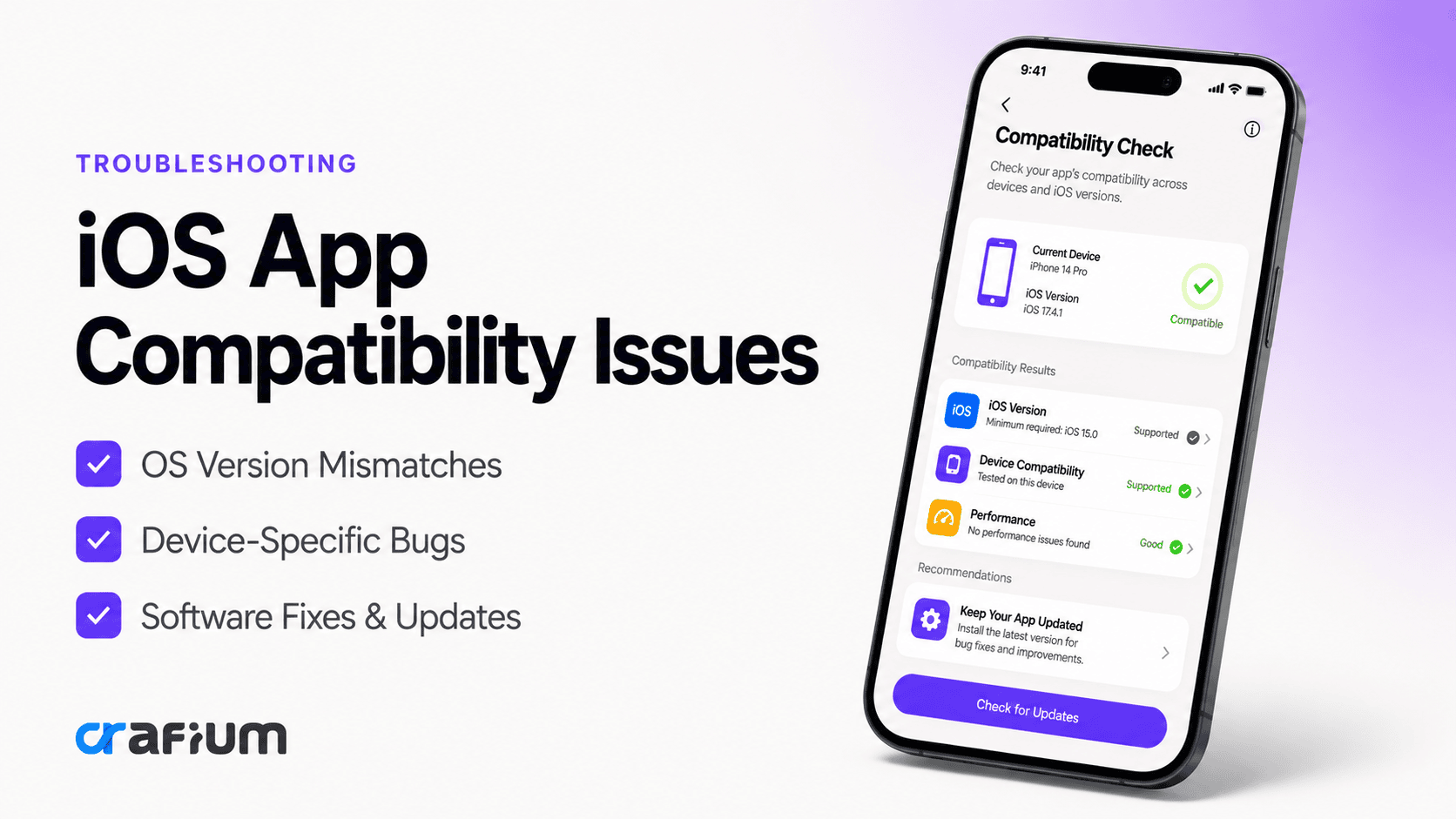
iOS app compatibility issues occur when an application fails to function correctly on certain Apple devices, operating system versions, or hardware configurations.
The app may install successfully but still experience problems such as:
- Crashes during startup
- Broken layouts
- Missing features
- Slow performance
- Notification failures
- Device-specific bugs
- Inconsistent user experiences
Compatibility problems can affect both newly launched apps and long-established applications following iOS updates.
Why Compatibility Matters
Compatibility directly impacts user satisfaction and business success.
Apple users generally expect apps to work flawlessly across all supported devices. Even minor issues can quickly lead to negative reviews and uninstallations.
Poor compatibility can result in:
- Lower App Store ratings
- Reduced user retention
- Increased support requests
- Lost revenue opportunities
- Damaged brand reputation
- Higher maintenance costs
For organizations investing in mobile applications, maintaining compatibility should be a core development priority.
Common iOS Compatibility Problems
Several types of compatibility issues appear frequently across iOS applications.
App crashes after iOS updates
One of the most common issues occurs after Apple releases a new version of iOS.
Features that previously worked correctly may suddenly break due to changes in system APIs, security policies, or framework behavior.
Users often experience:
- Startup crashes
- Unexpected closures
- Feature malfunctions
- Login failures
User interface and layout issues
Apple devices come in multiple screen sizes and resolutions.
Applications that aren’t designed responsively may display:
- Overlapping elements
- Cropped content
- Misaligned buttons
- Broken navigation
- Text truncation
These issues are particularly noticeable when new devices are introduced.
iPad compatibility problems
Many apps are optimized primarily for iPhone users.
When running on iPads, they may experience:
- Improper scaling
- Unused screen space
- Orientation issues
- Inconsistent navigation
A poor tablet experience often results from insufficient testing.
Performance degradation on older devices
New features and visual enhancements often increase resource requirements.
While newer devices handle these demands easily, older iPhones may struggle with:
- Slow loading times
- UI lag
- Increased battery consumption
- App freezing
Notification and background process failures
Changes in iOS privacy and background execution policies can affect how apps handle notifications and background activities.
Users may notice:
- Delayed notifications
- Missed alerts
- Sync failures
- Background refresh issues
Hardware-specific feature failures
Many apps rely on device-specific hardware features.
Examples include:
- Face ID
- Touch ID
- Camera systems
- GPS sensors
- Bluetooth connectivity
- NFC functionality
Applications must account for differences across Apple devices.
Dark Mode compatibility issues
Since the introduction of Dark Mode, developers must ensure their interfaces adapt correctly.
Poor implementation may cause:
- Invisible text
- Poor contrast
- Unreadable content
- Visual inconsistencies
Accessibility problems
Compatibility extends beyond devices and operating systems.
Applications must also function properly with accessibility features such as:
- VoiceOver
- Dynamic Text
- Zoom
- Assistive Touch
Ignoring accessibility can create usability barriers for many users.
Causes of iOS App Compatibility Issues
Understanding the root causes helps developers reduce future problems.
Outdated development frameworks
Using older SDKs and frameworks can create conflicts with newer iOS versions.
As Apple evolves its ecosystem, unsupported technologies become increasingly problematic.
Deprecated APIs
Apple regularly deprecates APIs and development methods.
Applications relying on outdated APIs may experience:
- Feature failures
- Compilation issues
- Unexpected behavior
- App Store submission challenges
Insufficient device testing
Many compatibility issues arise because applications are tested on only a limited number of devices.
Without comprehensive testing, developers may overlook hardware-specific bugs.
Hardcoded layouts
Fixed UI dimensions often fail across varying screen sizes.
Modern iOS development requires responsive design principles that adapt dynamically.
Poor memory management
Memory-related issues can impact compatibility across different devices.
Older devices with less available RAM are particularly vulnerable.
Changes in privacy requirements
Apple frequently updates privacy standards and permission requirements.
Apps that fail to adapt may experience broken functionality involving:
- Location services
- Camera access
- Contacts
- Notifications
- Tracking permissions
Third-party library conflicts
External libraries can introduce compatibility risks.
When third-party components fail to support new iOS versions, applications may inherit those issues.
Signs Your App Has Compatibility Problems
Developers should watch for warning signs that indicate compatibility issues.
Common indicators include:
- Increased crash rates after updates
- Negative App Store reviews
- Device-specific bug reports
- Lower user engagement
- Increased support tickets
- Performance complaints
Early detection enables faster resolution and minimizes user impact.
How to Fix iOS App Compatibility Issues
Resolving compatibility problems requires a structured approach.
1. Update development tools regularly
Using the latest version of Xcode and Apple’s SDKs helps ensure alignment with current platform standards.
Regular updates also provide access to compatibility improvements and bug fixes.
2. Replace deprecated APIs
Developers should review Apple’s documentation and replace outdated APIs before they become problematic.
Proactive updates reduce future maintenance costs.
3. Implement adaptive layouts
Responsive design techniques help applications adapt to different screen sizes.
Key approaches include:
- Auto Layout
- Safe Area constraints
- Dynamic sizing
- Flexible components
These practices improve consistency across devices.
4. Optimize performance for older devices
Not all users upgrade immediately to the newest iPhone.
Performance optimization should include:
- Reducing memory usage
- Limiting unnecessary animations
- Optimizing images
- Improving startup speed
Supporting older devices expands potential reach.
5. Improve permission handling
Permission requests should be implemented carefully and tested across iOS versions.
Clear explanations help users understand why permissions are required.
6. Audit third-party libraries
Review all dependencies regularly.
Outdated libraries should be updated, replaced, or removed to minimize compatibility risks.
7. Test before every major release
Comprehensive testing remains the most effective way to prevent compatibility problems.
Testing should occur before:
- Feature launches
- Major updates
- iOS releases
- Device-specific enhancements
Testing Strategies for iOS Applications
Effective testing is essential for maintaining compatibility.
Test across multiple iPhone models
Applications should be tested on:
- Older iPhones
- Current-generation iPhones
- Various screen sizes
- Different performance tiers
This helps identify hardware-specific issues.
Test on multiple iOS versions
Many users delay operating system updates.
Testing should include both the latest iOS version and commonly used earlier versions.
Validate landscape and portrait modes
Orientation changes can expose layout weaknesses.
Developers should verify that interfaces function correctly in all supported orientations.
Conduct real-device testing
Simulators are useful, but they cannot replicate every hardware behavior.
Real-device testing remains essential for identifying practical compatibility issues.
Perform beta testing
Beta programs help uncover issues before public release.
Real-world testing often reveals edge cases missed during internal QA.
How AppNatively Helps Build Reliable iOS Apps
Building a compatible iOS application starts with choosing the right development approach.
AppNatively helps businesses create high-performance native mobile apps that align with modern platform standards and user expectations.
Because native applications are built specifically for their target platforms, they generally offer stronger compatibility, better performance, and improved user experiences across Apple devices.
Benefits include:
- Native iOS app performance
- Faster deployment and updates
- Better device compatibility
- Improved user experience
- Simplified app management
- Scalable architecture for future growth
Whether you’re launching a new mobile application or expanding an existing digital presence, starting with a native-first approach helps reduce compatibility challenges as your app evolves.
Final Thoughts
iOS app compatibility issues can impact everything from user experience and performance to retention and revenue. While Apple’s ecosystem offers greater consistency than many other platforms, developers must still account for evolving operating systems, device variations, hardware capabilities, and changing platform requirements.
By understanding the common causes of compatibility problems, implementing responsive design principles, maintaining modern development practices, and conducting thorough testing, businesses can deliver more reliable experiences across the Apple ecosystem.
In today’s competitive mobile landscape, compatibility is more than a technical requirement. It’s a critical factor in user satisfaction, long-term growth, and app success.
Frequently Asked Questions
Why does my app work on one iPhone but not another?
Differences in hardware, iOS versions, screen sizes, memory availability, or unsupported features can cause device-specific compatibility issues.
Can iOS updates break apps?
Yes. New iOS releases may introduce API changes, security updates, or framework modifications that affect app functionality.
How often should developers test compatibility?
Compatibility testing should occur before every major release and whenever Apple introduces significant iOS updates.
Do older iPhones experience more compatibility problems?
Older devices may encounter performance limitations, unsupported features, or memory constraints that affect app behavior.
What’s the best way to prevent compatibility issues?
Comprehensive testing, responsive design, updated frameworks, proactive maintenance, and continuous monitoring are the most effective prevention strategies.
Share this blog:

About Md Al Amin
Md Al Amin is the Founder and Lead Developer at Crafium, where he leads product architecture and technical innovation. With more than 6 years of experience in software development within the tech industry, he specializes in building scalable, high-performance digital solutions. Outside of work, Al Amin enjoys researching emerging technologies, with a strong interest in AI and next-generation software trends.