It’s a simple job. First, you need to purchase a pro plan of OptinCraft according to your needs.
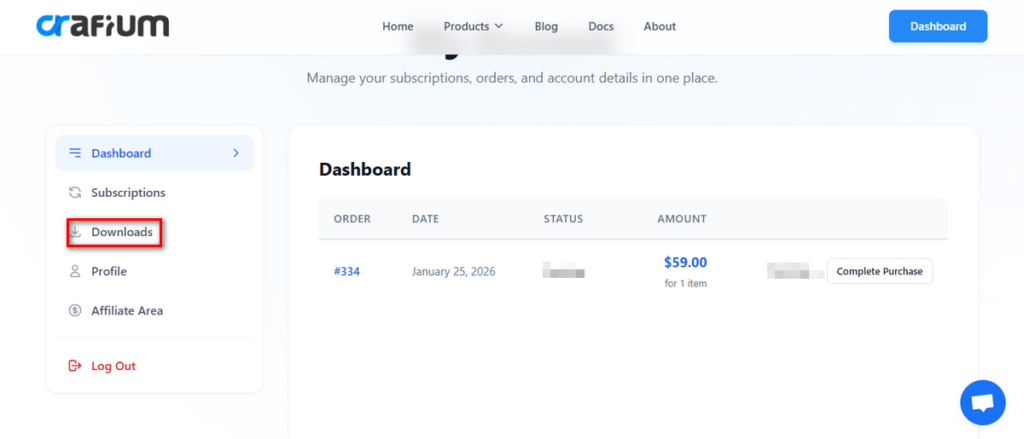
Once you buy a premium plan by providing your details, you’ll receive the pro version along with a license key via email. You can also download from your account dashboard.
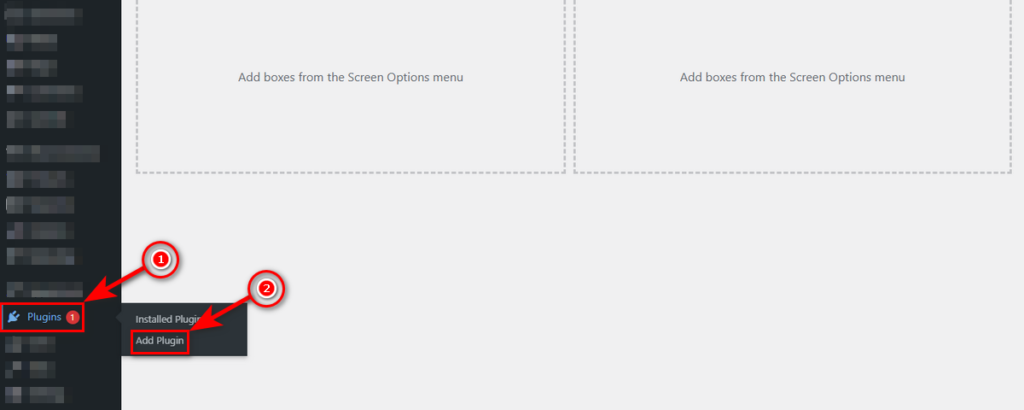
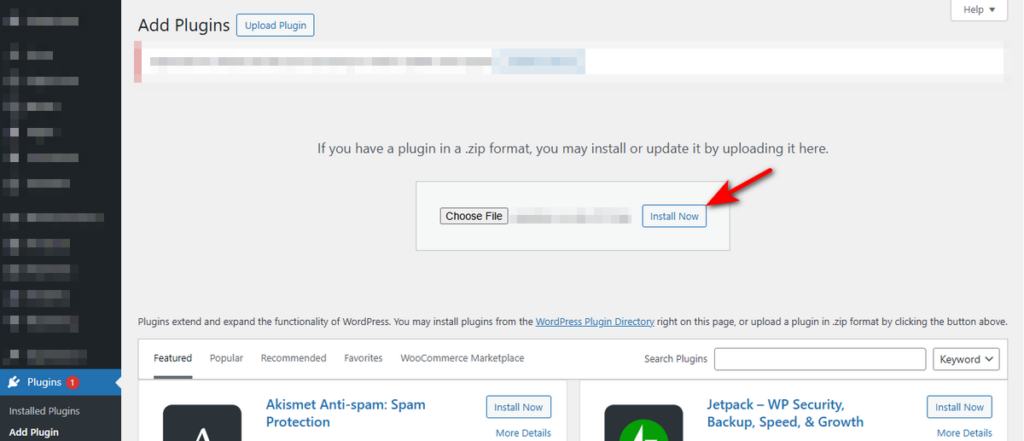
Now, head over to your WordPress Admin Dashboard, and then go to Plugins > Add Plugin.
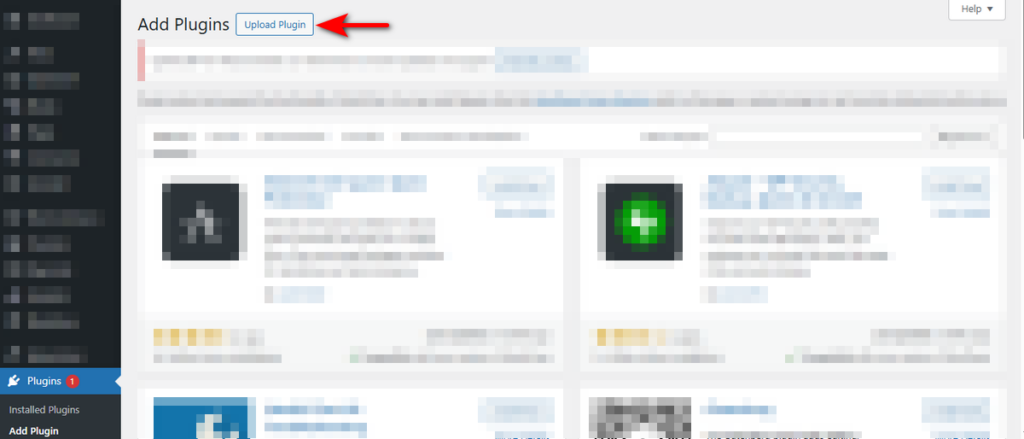
At this point, click “Upload Plugin” button.
Now, hit “Choose File” button and upload the pro plugin zip file you received or downloaded.
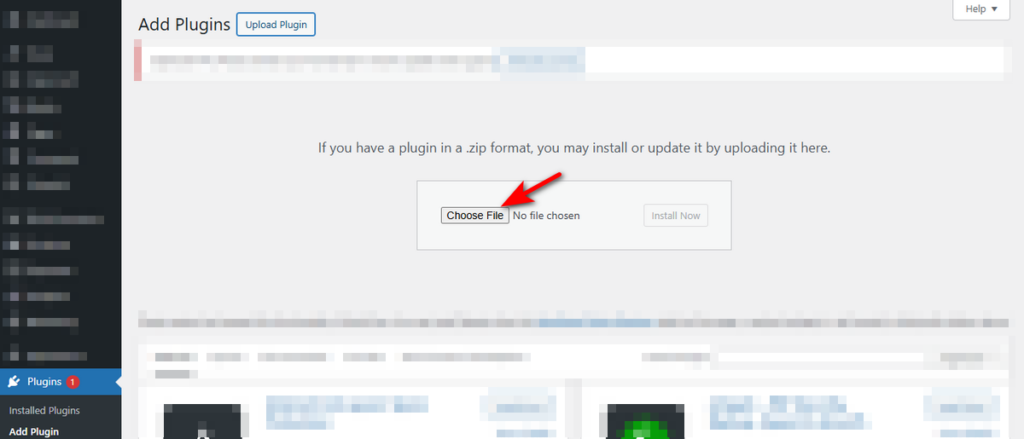
Click “Insall Now” button.
Lastly, hit “Activate Plugin” button.
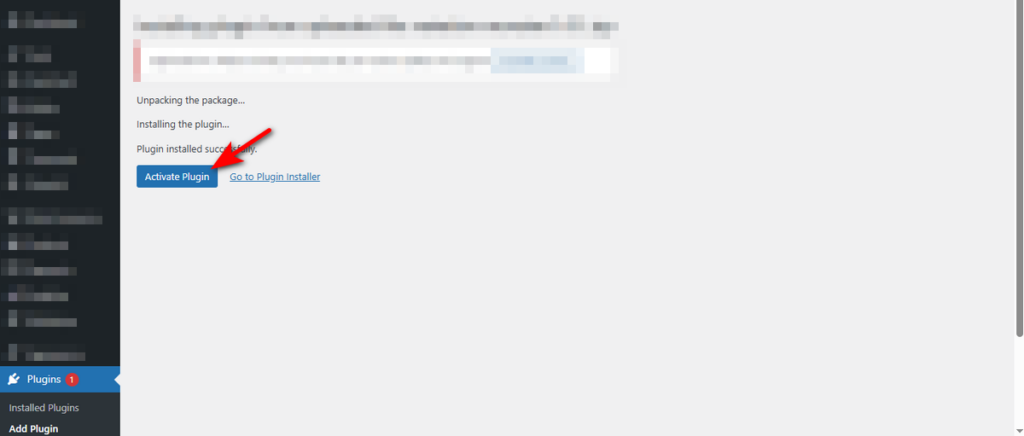
Okay, you’ve just installed the pro version of OptinCraft plugin. Remember that in order for the pro version to work, your WordPress website must have the free version pre-installed.
If you don’t have the free version, just read how to install OptinCraft documentation and install it.
Now, let’s insert the license key to activate the pro version and reap the full benefits.


