Product Images Not Loading in Your Ecommerce App: Causes and Fixes

Tanjim Hasan
In this article
In ecommerce, product images are often the deciding factor between a purchase and an abandoned cart. Shoppers can’t physically touch or inspect products, so they rely heavily on visuals to evaluate quality, features, colors, and overall value.
When product images fail to load, the shopping experience quickly breaks down. Users may assume the app is broken, lose trust in the brand, or leave before completing a purchase.
For ecommerce businesses, even a small image-loading issue can lead to lower conversions, increased bounce rates, and lost revenue.
The good news is that most product image loading problems can be identified and fixed with the right approach.
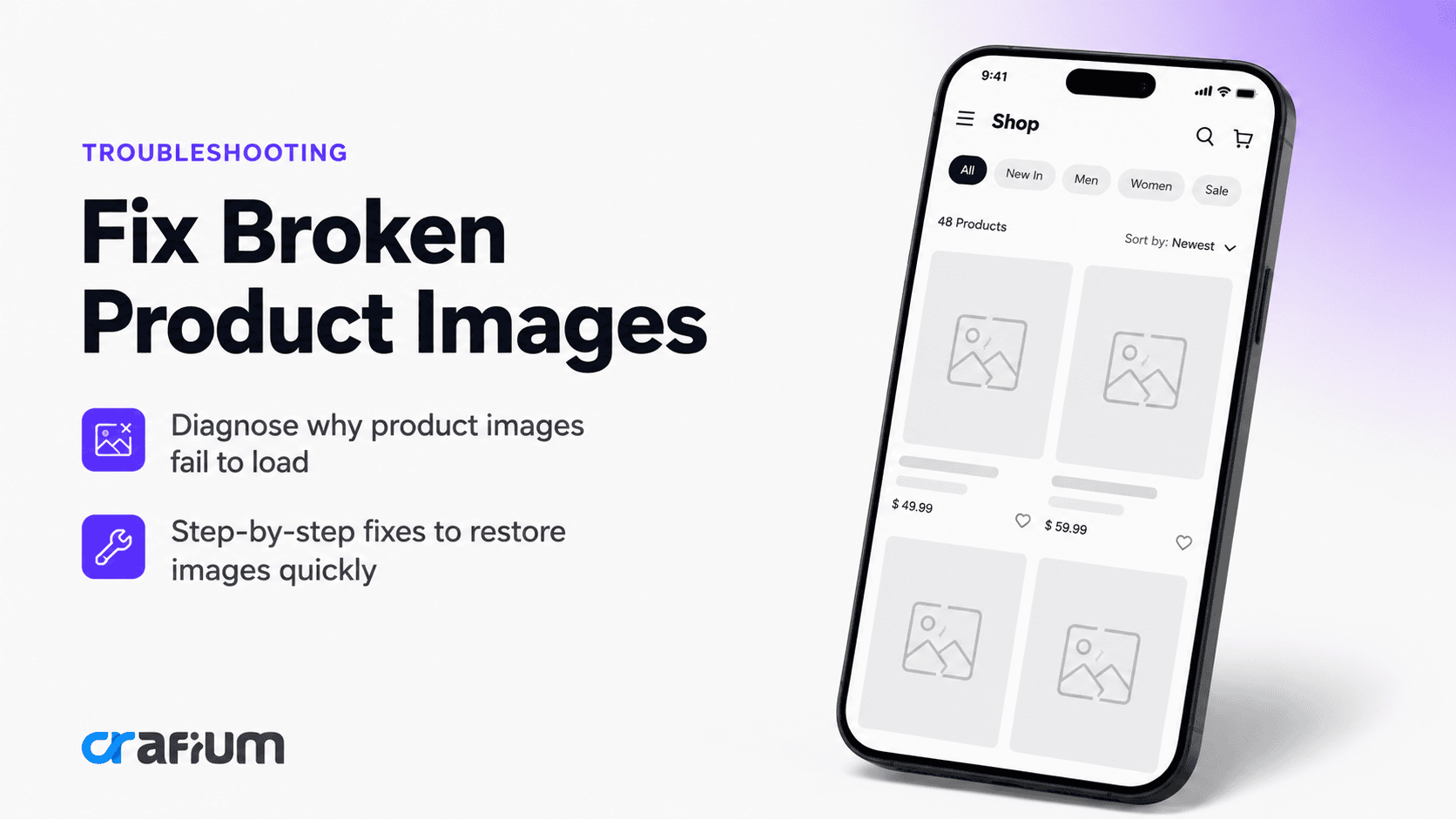
In this guide, we’ll explore why product images fail to load in ecommerce apps, how these issues impact business performance, and the best solutions for restoring a smooth shopping experience.
Why Product Images Matter in Ecommerce Apps
Product images play a critical role in online shopping decisions.
Unlike physical stores, ecommerce apps depend entirely on digital content to communicate product value. High-quality images help users understand what they’re buying and build confidence in their purchase decisions.
Strong product visuals help:
- Increase conversions
- Improve user engagement
- Reduce product returns
- Build customer trust
- Support purchase decisions
- Enhance overall shopping experiences
When images fail to appear, all of these benefits disappear instantly.
Common Causes of Product Images Not Loading
Several technical issues can prevent product images from displaying correctly.
Poor internet connection
One of the most common causes is unstable network connectivity.
Product images are typically retrieved from remote servers or content delivery networks (CDNs). If a user’s internet connection is weak, image requests may fail or take too long to complete.
Common symptoms include:
- Blank image placeholders
- Slow-loading product pages
- Partially loaded galleries
- Missing thumbnails
Broken image URLs
Every product image relies on a valid file path.
If image URLs are incorrect, outdated, or improperly generated, the application cannot locate the image file.
This often happens when:
- Products are migrated
- Images are renamed
- Database records become corrupted
- URLs are generated incorrectly
CDN or hosting issues
Many ecommerce apps use Content Delivery Networks to improve loading speed.
If the CDN experiences outages, configuration errors, or synchronization problems, product images may become unavailable.
Users may see missing images even when the product information itself loads correctly.
Server-side problems
Image delivery depends on backend systems functioning properly.
Server-related causes include:
- File permission issues
- Storage failures
- API errors
- Misconfigured image services
- Resource limitations
Backend problems often affect multiple users simultaneously.
App caching issues
Caching improves performance by storing previously loaded images locally.
However, corrupted cache files can prevent images from displaying correctly.
Users may encounter:
- Missing product photos
- Outdated images
- Loading loops
- Display inconsistencies
Image format compatibility issues
Not all image formats are supported equally across devices and operating systems.
Problems may occur when:
- Unsupported formats are used
- File conversions fail
- Device compatibility varies
- Encoding errors occur
Large image file sizes
Oversized images can significantly impact loading performance.
If image files are too large, users with slower connections may experience:
- Delayed loading
- Timeouts
- Incomplete image rendering
This issue is especially common in image-heavy ecommerce applications.
API failures
Many ecommerce apps retrieve image data through APIs.
If API requests fail, product information may load while images remain unavailable.
Common API-related causes include:
- Authentication issues
- Network timeouts
- Invalid responses
- Rate limiting
Signs Your Ecommerce App Has Image Loading Problems
Image-related issues often reveal themselves through user behavior and performance metrics.
Warning signs include:
- Increased bounce rates
- Lower conversion rates
- Product page abandonment
- Customer complaints
- Negative app reviews
- Reduced engagement
Businesses should monitor these indicators carefully to identify potential image delivery problems.
How Product Image Issues Affect Ecommerce Conversions
Missing images do more than create visual problems.
They directly impact purchasing behavior.
Reduced customer trust
Customers expect professional, fully functional shopping experiences.
When images fail to load, users may question:
- Product quality
- Website reliability
- Brand credibility
- Payment security
Trust is difficult to regain once lost.
Lower conversion rates
Product images are often the most persuasive element on a product page.
Without visuals, customers have less confidence in making a purchase.
As a result, conversion rates frequently decline.
Increased cart abandonment
Many shoppers add products to their carts but hesitate before completing checkout.
Missing images during this process can increase uncertainty and contribute to cart abandonment.
Poor user experience
User experience plays a major role in ecommerce success.
Broken image displays create friction that discourages users from continuing their shopping journey.
How to Fix Product Images Not Loading
Resolving image delivery issues requires a systematic troubleshooting process.
i. Verify internet connectivity
Start by confirming the issue is not network-related.
Test:
- Wi-Fi connections
- Mobile data
- Different network environments
- Connection speed
Network problems are often the simplest explanation.
ii. Check image URLs
Review image paths carefully.
Verify that:
- URLs are valid
- Files exist
- Paths are correct
- Redirects function properly
Broken links are a common source of missing images.
iii. Inspect CDN performance
If a CDN is used, review its health and configuration.
Check for:
- Service outages
- Cache synchronization issues
- Geographic delivery problems
- SSL certificate errors
A healthy CDN is essential for fast image delivery.
iv. Review server logs
Backend logs often reveal image delivery failures.
Look for:
- File access errors
- Missing resources
- API failures
- Permission problems
Logs provide valuable insight into the root cause.
v. Clear app cache
Corrupted cache files can interfere with image rendering.
Encourage users to:
- Clear app cache
- Restart the app
- Reopen product pages
This simple fix often resolves temporary image issues.
vi. Optimize image sizes
Large images should be compressed before deployment.
Optimization benefits include:
- Faster loading times
- Lower bandwidth consumption
- Better user experiences
- Improved performance scores
vii. Test image compatibility
Ensure image formats work across:
- Android devices
- iPhones
- Tablets
- Different operating system versions
Using widely supported formats reduces compatibility risks.
viii. Validate API responses
If images are delivered through APIs, verify that requests return valid image URLs and data structures.
API testing should include:
- Authentication checks
- Response validation
- Error handling reviews
- Performance monitoring
Android and iOS-Specific Considerations
Mobile platforms may introduce unique image-loading challenges.
Android image loading issues
Android devices vary significantly in hardware and software configurations.
Common challenges include:
- Aggressive memory management
- Network restrictions
- Device-specific rendering behavior
- Background data limitations
Testing across multiple Android devices is essential.
iOS image loading issues
Apple devices generally provide more consistency, but image-loading issues can still occur.
Potential causes include:
- App Transport Security restrictions
- Cache synchronization problems
- Memory limitations
- Network configuration issues
Developers should verify compliance with Apple’s networking requirements.
How AppNatively Helps Build Better Ecommerce Apps
A successful ecommerce app requires more than attractive product pages. It also depends on speed, reliability, and seamless content delivery.
AppNatively helps businesses create high-performance native ecommerce apps designed to provide smooth shopping experiences across Android and iOS devices.
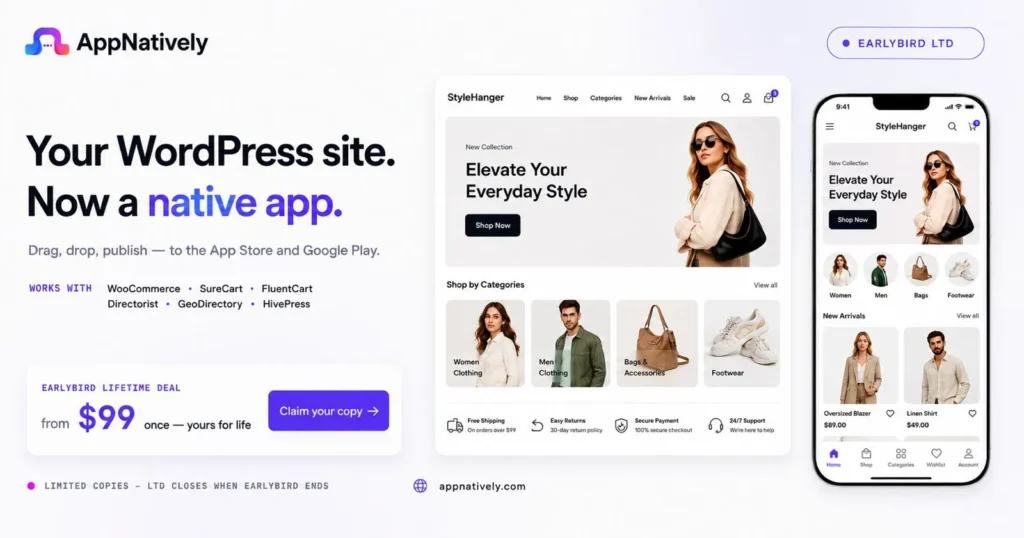
By leveraging native mobile technologies, businesses can improve app responsiveness and deliver product content more efficiently.
Benefits include:
- Native app performance
- Faster image rendering
- Improved shopping experiences
- Better customer engagement
- Optimized mobile commerce workflows
- Scalable architecture for growing businesses
Whether you’re launching a new ecommerce app or upgrading an existing store, a performance-focused foundation can significantly improve user satisfaction and conversion rates.
Final Thoughts
Product images not loading in your ecommerce app can create serious challenges for both users and businesses. Since visuals play a critical role in online purchasing decisions, even temporary image failures can lead to lower conversions, abandoned carts, and reduced customer trust.
Fortunately, most image-loading issues can be traced to common causes such as network problems, broken URLs, CDN outages, server errors, oversized files, or API failures.
By implementing proper image optimization strategies, monitoring delivery performance, testing across devices, and maintaining reliable infrastructure, ecommerce businesses can provide faster, more consistent shopping experiences.
In today’s competitive mobile commerce landscape, reliable product image delivery isn’t just a technical requirement. It’s a key driver of customer satisfaction, engagement, and revenue growth.
Frequently Asked Questions
Why are product images not loading in my ecommerce app?
Common causes include poor internet connectivity, broken image URLs, CDN issues, server failures, API errors, or cache-related problems.
Can large image files cause loading issues?
Yes. Oversized image files can increase loading times, create performance bottlenecks, and lead to image rendering failures on slower connections.
Why do some users see images while others don’t?
This may indicate device-specific issues, regional CDN problems, caching conflicts, or network-related restrictions.
How can I improve image loading speed?
Image compression, CDN usage, lazy loading, and optimized image formats can significantly improve loading performance.
Do missing product images affect sales?
Absolutely. Product images heavily influence purchasing decisions. Missing visuals often reduce trust, engagement, and conversion rates.
Share this blog: