WooCommerce Currency Switcher UK

William Tan
William Tan is a Digital Marketer at Crafium,…
In this article
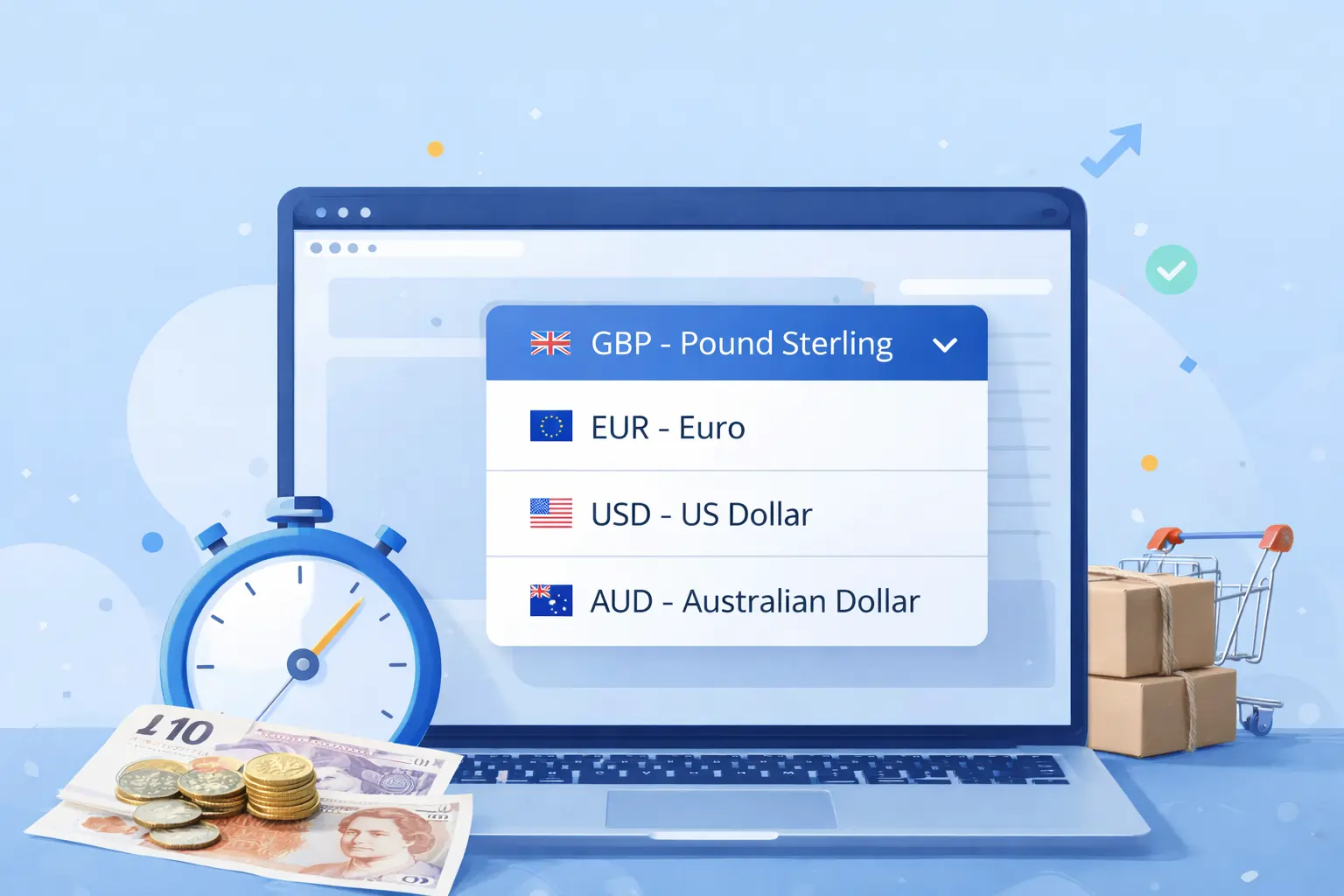
Struggling to sell internationally from your UK WooCommerce store? Your customers are leaving because they can’t see prices in their own currency and every lost sale is revenue slipping away.
The WooCommerce currency switcher UK plugin solves this problem effortlessly. It allows your customers to switch currencies in real time, automatically converting prices based on the latest exchange rates. No confusing math, no abandoned carts, just smooth, international shopping.
Boost your sales and build trust with global buyers by giving them the convenience of shopping in their local currency. With features like geolocation detection, customizable currency symbols, and multi-currency checkout, your store can feel truly local to every customer, anywhere in the world.
Don’t let currency barriers hold your store back. Install WooCommerce currency switcher UK today and watch your international conversions soar.
What is WooCommerce Currency Switcher UK?
WooCommerce currency switcher UK is a currency-switching feature or plugin used with WooCommerce, the e-commerce platform for WordPress websites. It allows an online store to display product prices in multiple currencies instead of only one default currency, such as British Pounds (GBP). Customers can select their preferred currency while browsing the shop.
The tool works by converting prices automatically using live or manually set exchange rates and updating totals across product pages, carts, and checkout. It typically adds a dropdown or widget to the storefront where users can switch currencies, and it may also detect a visitor’s location to show the most relevant currency by default.
For UK-based stores or businesses selling internationally, a currency switcher improves the shopping experience by making prices easier to understand, reducing conversion confusion, and increasing trust and sales from overseas customers. In short, it enables WooCommerce stores to support multi-currency pricing and payments efficiently.
Key Features of WooCommerce Currency Switcher Plugin UK
Here are the key features of a WooCommerce Currency Switcher plugin (UK-focused or general):
Multi-currency support
Lets your store display prices in multiple currencies such as GBP, USD, EUR, etc., so international customers can shop in the currency they understand.
Automatic & manual exchange rates
You can automatically update exchange rates from live feeds or manually set custom rates to control pricing strategies.
Geo-location detection
Detects a visitor’s location (e.g., from the UK or another country) and shows prices in their local currency by default.
Frontend currency switcher UI
Includes a switcher widget or dropdown on your site so customers can easily pick their preferred currency while browsing.
Checkout & payment in selected currency
Ensures that customers can checkout and pay in the currency they chose instead of always using the default store currency.
Currency display options
Supports custom formatting (symbols, decimal places, currency positions) for how prices appear across the store.
Compatibility with payment gateways
Works with major WooCommerce payment gateways so they can accept payments in different currencies without errors.
Reporting & analytics (optional)
Some versions include analytics showing sales by currency to help you understand international performance.
How WooCommerce Currency Switcher UK Works
A WooCommerce currency switcher plugin integrates with WooCommerce stores built on WordPress to add multi-currency functionality. After installation, the store owner selects which currencies to support (such as GBP, USD, or EUR) and configures exchange rates, either automatically through live rate services or manually.
When customers visit the store, the plugin displays prices converted into their preferred or detected currency. It may use geo-location to automatically show the local currency first, and it adds a frontend switcher (dropdown, menu, or widget) so users can change currencies anytime. Product prices, cart totals, taxes, and shipping costs update instantly based on the selected currency.
At checkout, the system keeps the chosen currency consistent and processes the payment through compatible gateways that support that currency. This ensures customers see accurate pricing from browsing to payment, creating a smoother shopping experience and making the store more accessible to UK and international buyers.
Meet X-Currency: The Ultimate Currency Switcher in the UK
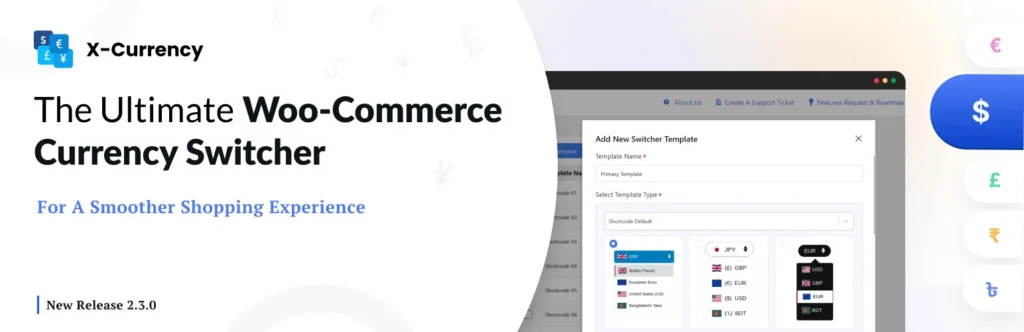
X‑Currency is a powerful multi-currency switching plugin designed for online stores built with WooCommerce on WordPress. It enables store owners to display product prices in multiple currencies and allows customers to browse and pay in the currency that feels most familiar to them.
For UK businesses, this means selling in GBP while also serving international shoppers with USD, EUR, and other currencies without creating separate stores.
The plugin works by adding a currency management system inside the WooCommerce dashboard. Store owners can create unlimited currencies, set automatic or manual exchange rates, and even assign custom prices per product for different currencies.
It supports live rate updates, geo-location detection to show the visitor’s local currency by default, and flexible rounding rules to keep prices clean and market-friendly. Prices automatically update across product pages, carts, taxes, and shipping costs whenever a customer switches currencies.
On the front end, X-Currency provides customizable switcher layouts such as dropdowns, floating widgets, menus, or shortcodes, making it easy to place the selector anywhere on the site. It also supports currency-specific payment gateways, ensuring customers can complete checkout smoothly in their chosen currency.
Overall, X-Currency helps UK and global stores improve user experience, build trust, and increase international conversions by offering seamless multi-currency shopping.
Conclusion
A WooCommerce currency switcher UK solution enhances the shopping experience by allowing customers to view and pay in their preferred currency, making online stores more accessible to both local and international buyers.
By integrating seamlessly with WooCommerce stores built on WordPress, it simplifies currency conversion, ensures accurate pricing, and maintains consistency from product pages to checkout.
With features like automatic exchange rates, geo-location detection, customizable switcher displays, and multi-currency payments, these plugins help reduce confusion, build customer trust, and create a smoother purchasing journey.
Shoppers are more likely to complete purchases when prices are shown in familiar currencies, which can directly improve conversions and sales.
Share this blog:

About William Tan
William Tan is a Digital Marketer at Crafium, specializing in WordPress solutions and online growth strategies. He’s passionate about helping businesses expand their digital presence through smart marketing and data-driven insights.