Selling in multiple currencies with WooCommerce sounds simple until taxes start miscalculating. Currency conversions can cause rounding errors, mismatched totals, and inaccurate tax reports, leading to confused customers and potential compliance issues.
These problems happen because WooCommerce calculates taxes in one base currency while prices are converted afterward. By understanding this gap and applying the right setup, you can ensure accurate taxes and smooth checkouts across every currency.
How WooCommerce Handles Taxes
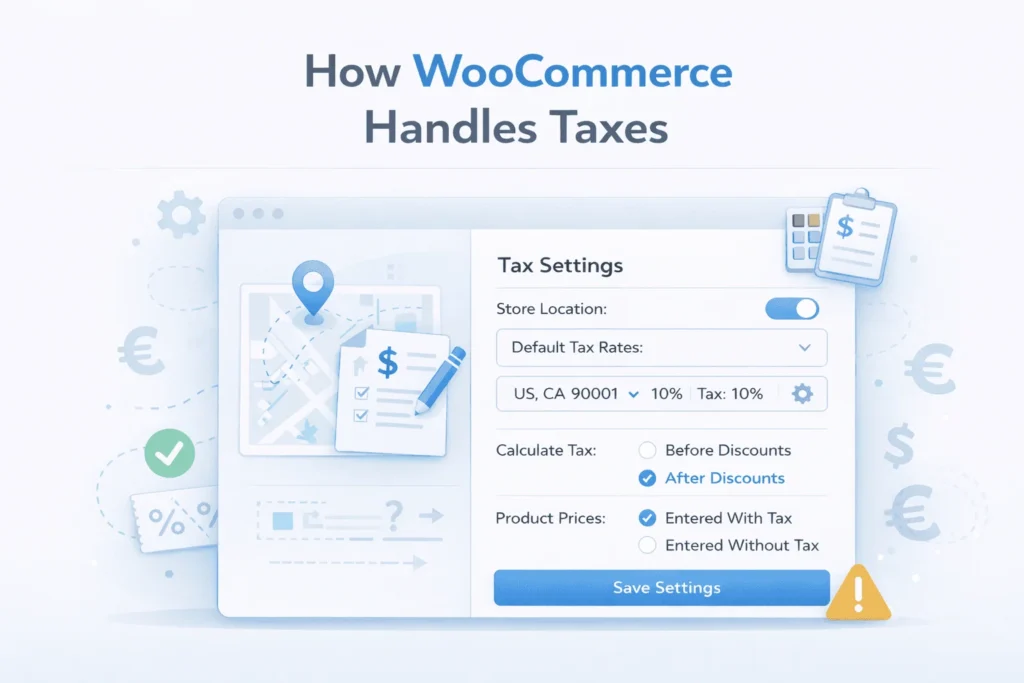
Before dealing with multi-currency setups, it’s important to understand how WooCommerce calculates taxes by default. Its tax system is designed around a single currency and follows a fixed calculation flow.
Base store currency
WooCommerce runs entirely on one base currency that you define in the store settings. All product prices, shipping costs, discounts, and taxes are stored and processed using this currency.
Even if customers view prices differently through plugins, the core calculations always start in this default currency. This single-currency structure is the foundation of how WooCommerce manages totals and reports.
Tax rates and classes
Taxes in WooCommerce are controlled through tax rates and tax classes. Rates are configured by region, while classes allow different products to be taxed at different percentages.
For example, you might apply a standard rate to most products and a reduced rate to essentials. Assigning the correct class ensures WooCommerce applies the right tax automatically during checkout.
Customer location detection
WooCommerce determines which tax rate to apply based on the customer’s location. This can be calculated using the billing address, shipping address, or store base address, depending on your settings.
By matching the customer’s region to your configured tax tables, WooCommerce applies location-specific taxes like VAT, GST, or sales tax. This helps maintain compliance with local regulations.
Tax calculation process
When items are added to the cart, WooCommerce calculates taxes as part of the subtotal and checkout process. It applies the relevant rate to each line item before generating the final total.
Store owners can choose whether prices include tax or add tax separately. This flexibility allows businesses to match regional pricing expectations and legal requirements.
Rounding and totals
After applying tax rates, WooCommerce rounds the calculated values according to your chosen rounding method. Rounding can occur per line item or at the subtotal level, which affects the final total slightly.
These rounded values are then stored in the order data and used for invoices, reports, and accounting. Consistent rounding is important to avoid mismatched totals later.
How Multi-Currency Plugins Work

To serve international customers, many WooCommerce stores use multi-currency plugins to display prices in local currencies. These plugins sit on top of WooCommerce and modify how prices are shown without changing the store’s base currency.
Price conversion mechanism
Multi-currency plugins convert prices using exchange rates relative to the base currency. When a customer selects a different currency, the plugin multiplies the original price by the current rate to calculate a new amount.
This conversion usually happens dynamically on the front end. The displayed value changes for the customer, but the underlying product price in WooCommerce remains the same in the base currency.
Exchange rate management
Plugins allow store owners to set exchange rates manually or fetch them automatically from financial data providers. Automatic rates update regularly to reflect real-world market changes.
While this keeps pricing accurate, frequent rate changes can slightly affect totals and taxes. Even small fluctuations may lead to differences between displayed and recorded amounts.
Frontend price display
Most multi-currency tools focus primarily on presentation. They modify product pages, carts, and checkout screens to show converted prices that feel local and familiar to customers.
Behind the scenes, however, WooCommerce still processes everything in the base currency. This separation between display and calculation is where many inconsistencies begin.
Checkout conversion timing
Some plugins convert prices before checkout, while others convert totals at the final stage. The timing of this conversion determines how taxes, shipping, and discounts are affected.
If conversion happens after tax calculations, rounding differences may appear. If it happens earlier, calculations may still revert to the base currency internally, causing mismatches.
Order storage and reporting
Even when customers pay in a different currency, WooCommerce often stores the order data in the base currency for reporting and accounting. The converted amount is saved as a reference or meta value.
This dual-record system can create confusion in reports, especially when reconciling taxes or revenue. Store owners may see slight differences between what customers paid and what reports show.
The Core Problem: Currency Conversion vs Tax Calculation
Multi-currency pricing makes international shopping seamless for customers. However, when taxes are involved, the timing of currency conversion versus tax calculation can create unexpected discrepancies.
WooCommerce calculates taxes in the base currency first, while most multi-currency plugins convert prices afterward. This mismatch is the root of common rounding errors, inconsistent totals, and reporting issues.
1. Taxes calculated before conversion
WooCommerce always calculates taxes using the base store currency before any currency conversion occurs. This ensures consistency for orders and accounting in a single currency.
The problem arises when the displayed prices are converted for the customer. The tax amount might no longer match the expected percentage of the displayed price, causing apparent discrepancies at checkout.
2. Conversion happens after tax calculation
Multi-currency plugins typically convert the final price, including taxes, into the customer’s selected currency. This means the displayed total is based on a converted number, not the original calculation.
Even small differences in rounding can lead to mismatched totals. On multi-item orders, these rounding differences can add up, making totals seem inaccurate to customers.
3. Rounding errors
Rounding is a key factor in multi-currency tax issues. WooCommerce rounds tax amounts based on its settings, but currency conversion may introduce additional rounding differences.
These small differences can appear as discrepancies on invoices, carts, or reports. Customers may notice that totals don’t match their expectations, which can hurt trust in your store.
5. Reporting and accounting conflicts
Because WooCommerce stores all order data in the base currency, reporting and accounting are internally consistent. However, the customer sees converted totals, which may differ slightly.
This gap can confuse store owners and accountants when reconciling revenue and tax reporting. Without careful setup, multi-currency tax mismatches may lead to compliance headaches.
Common Multi-Currency Tax Issues
Using multiple currencies in WooCommerce can improve the shopping experience for international customers. However, tax calculations often don’t align perfectly, leading to confusion and errors.
Store owners frequently encounter predictable patterns of issues caused by the interaction between base-currency tax calculations and currency conversion.
Rounding errors
Rounding is one of the most common issues in multi-currency stores. WooCommerce calculates taxes in the base currency, but currency conversion can produce slightly different amounts.
These small discrepancies can accumulate on orders with multiple items. Customers might see totals that differ from expected values, creating confusion at checkout.
Inconsistent checkout totals
Because taxes are calculated in one currency and converted afterward, the final total displayed to customers can differ from the sum of line items.
This inconsistency can reduce customer trust, as shoppers may feel they are being overcharged or undercharged. It’s especially noticeable on orders with multiple products or complex tax rates.
Incorrect tax display per currency
Some plugins may not properly update the tax portion when switching currencies. Customers might see a subtotal in their chosen currency but the tax amount may not match correctly.
This can make invoices or checkout screens appear wrong, even if the backend order data is correct in the base currency. It’s a common source of support requests.
Reporting and accounting discrepancies
Orders are stored in the base currency for reporting and accounting, but customers see converted totals. The mismatch can make reconciling revenue and tax reports difficult.
Without proper tools, these differences can create challenges during audits or VAT/GST reporting, increasing administrative work and compliance risks.
Refund calculation issues
Refunds in multi-currency orders can also cause problems. If a refund is processed based on the base currency, the refunded amount in the customer’s currency may differ slightly.
This can lead to under-refunds or over-refunds, generating customer complaints or extra adjustments. Careful plugin setup and testing are necessary to prevent these errors.
Conclusion: WooCommerce Multi Currency Tax Issue
Managing taxes in a multi-currency WooCommerce store can be challenging, but understanding how tax calculations interact with currency conversion is key. Most discrepancies arise because WooCommerce calculates taxes in the base currency first, while multi-currency plugins convert prices afterward. This can cause rounding differences, inconsistent totals, and reporting issues.
By choosing compatible plugins, configuring tax and rounding settings carefully, and testing orders across currencies, store owners can prevent these issues. With the right setup, you can offer international customers a seamless checkout experience while keeping taxes accurate and reports reliable.