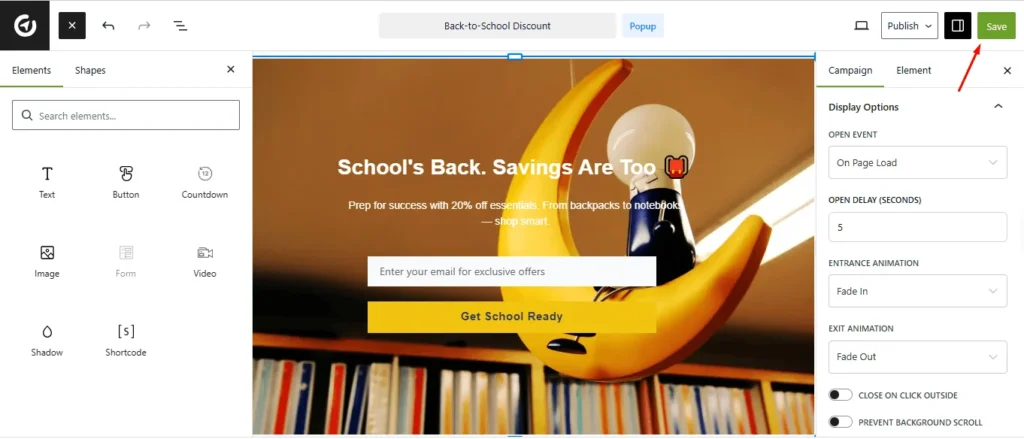
An On-Page Load Popup is a versatile tool that appears automatically when a visitor lands on a webpage. It is commonly used to grab immediate attention for promotions, discounts, or special offers, and to encourage newsletter sign-ups or lead generation by collecting visitor information.
Beyond marketing, it can be used to highlight important announcements, provide guidance or tips, and improve user engagement by directing attention to key content.
By appearing as soon as the page loads, these popups ensure that your message reaches visitors at the right moment, making them an effective tool for communication and conversion.
How to Create On-Page Load Popup #
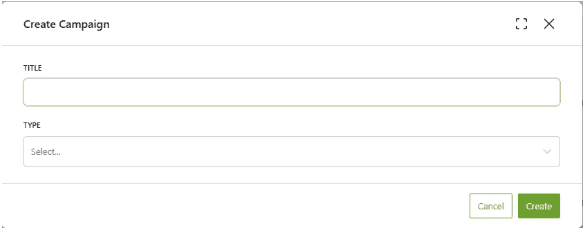
To create an on-page load popup, ensure that you have installed OptinCraft latest version. Then, start by navigating to the campaign creation section, where you can set up a new campaign tailored to trigger the popup when a visitor lands on your page.
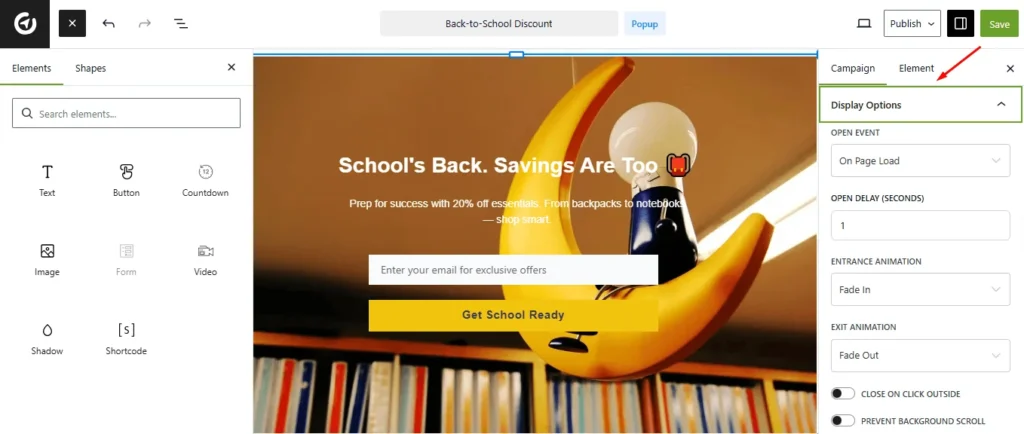
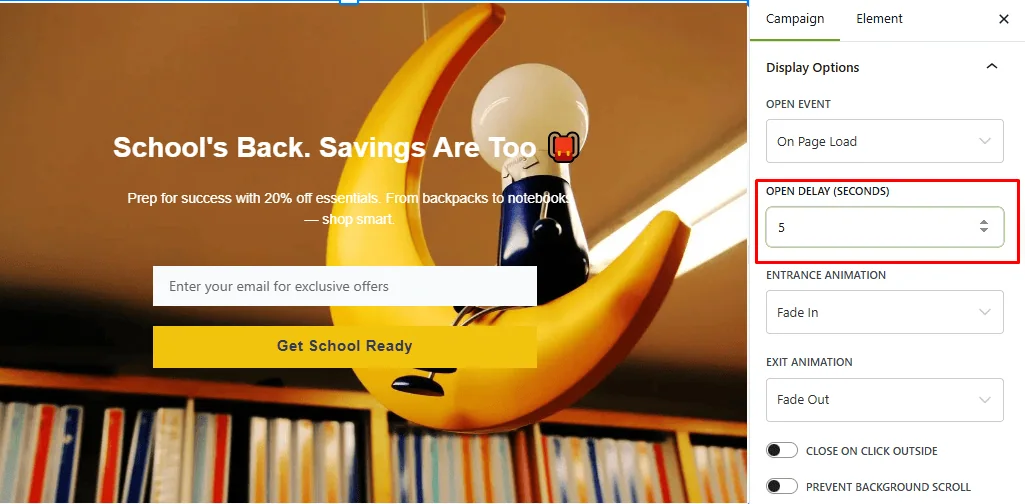
Then, Navigate to Display Options.
Then, under the ‘Open Event’ dropdown, select the ‘On Page Load‘ option.
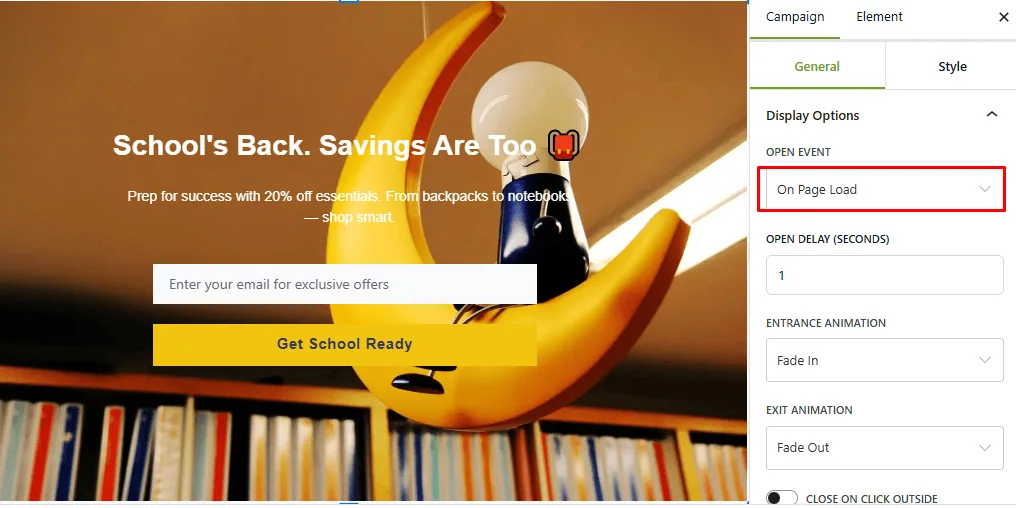
Finally, you can see “OPEN DELAY (SECONDS).” option. Here, you can set the delay in seconds before the popup appears after a visitor enters the page. Simply enter a numeric value to define this duration.
Finally, hit the Save button.