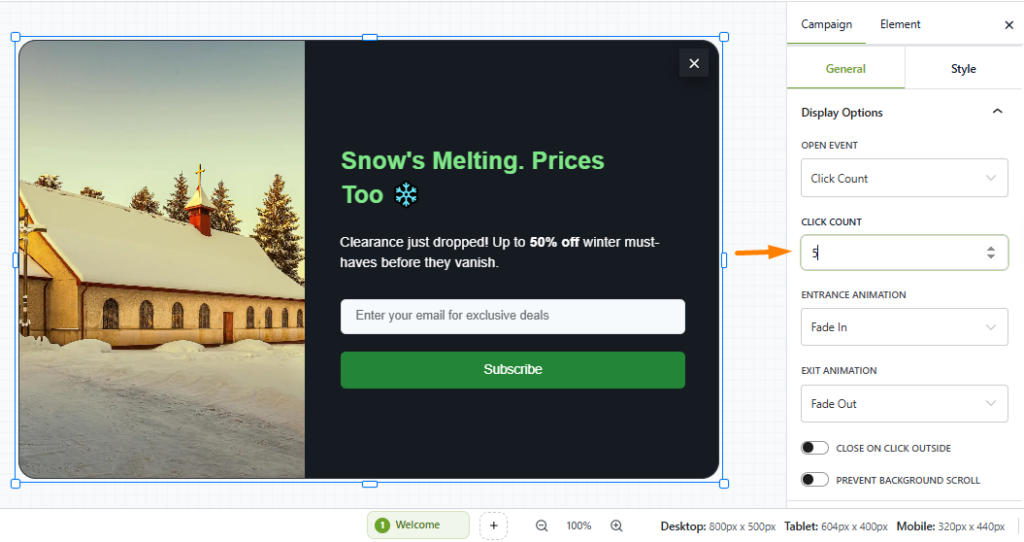
The Click Count Trigger in OptinCraft displays a popup only after a visitor has clicked a defined number of times on your website.
This feature helps you target highly engaged users—those who interact with your site multiple times before a popup appears.
Create a Click Count Popup #
Follow the steps below to create and configure a Click Count popup:
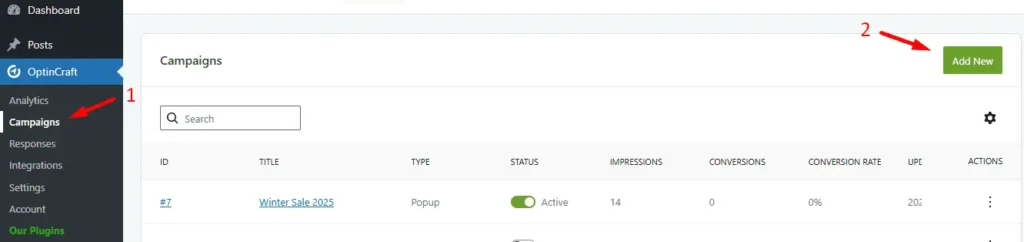
Go to your WordPress Dashboard and navigate to:
OptinCraft → Campaigns. Click Add New.
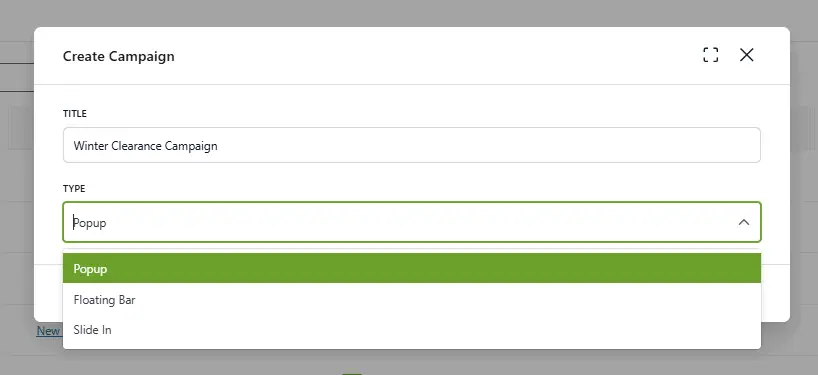
Enter a title for your campaign. Select Popup as the campaign type.
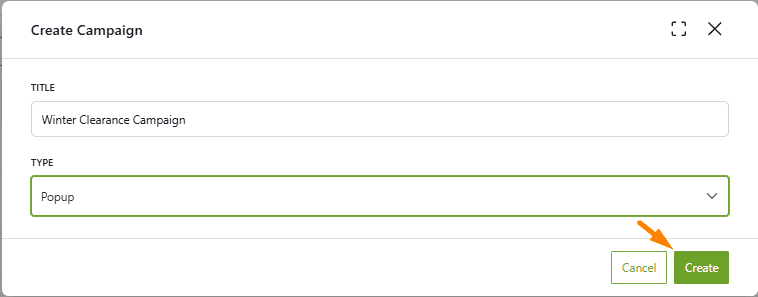
Hit the Create button. The OptinCraft Editor interface will load.
In the editor, click on Texts to explore and select from the available popup templates and design elements.
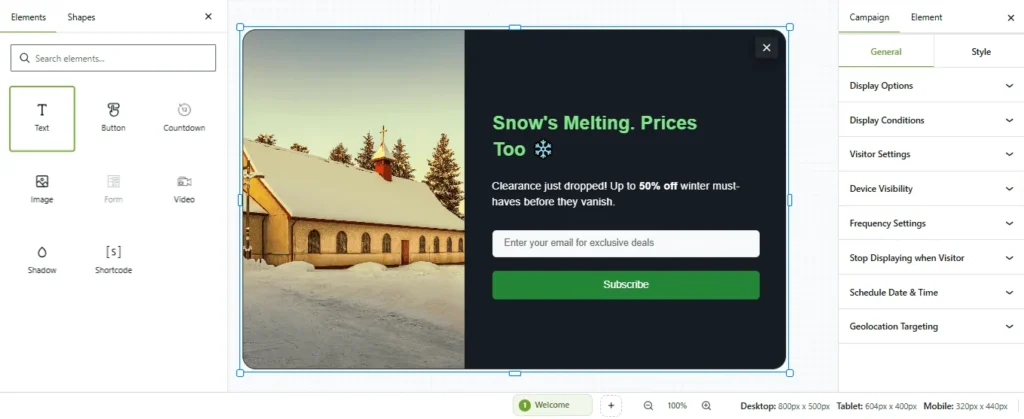
Now, open the Campaign Settings panel. Navigate to Display Options. In the Open Event dropdown, select: Click Count
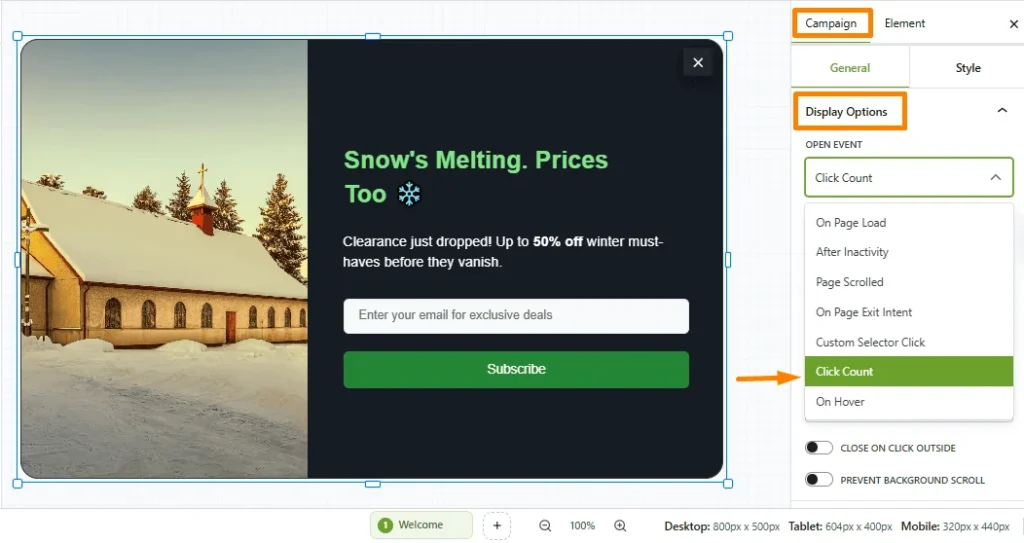
Finally, set the number of clicks required before the popup is triggered.