Table of Contents
The Device Visibility settings in OptinCraft determine which device types your pop-up should appear on.
Device Visibility with OptinCraft #
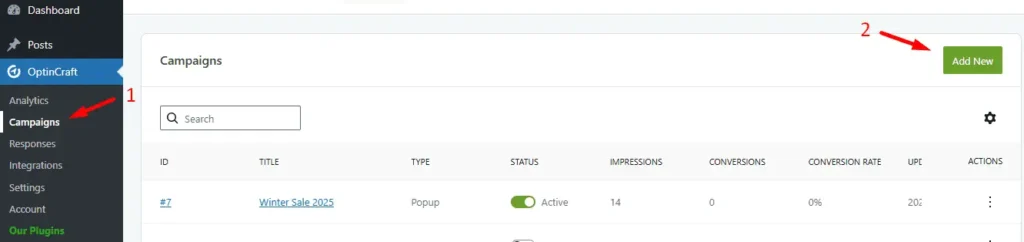
Go to your WordPress dashboard and click on OptinCraft> Campaigns. After landing on the campaign page, click Add New.
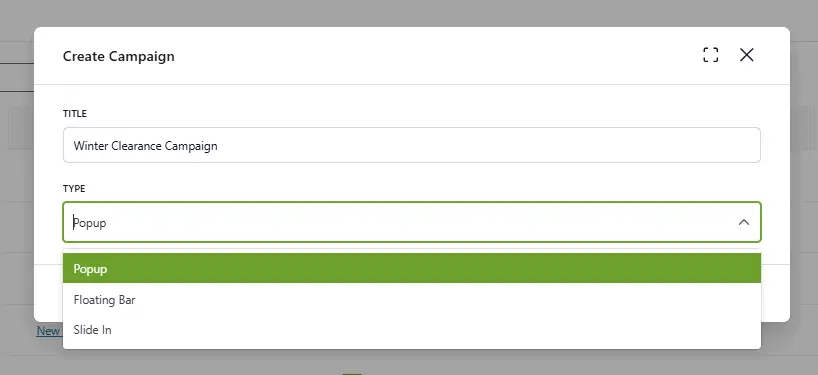
Write the title of your campaign> Select ‘popup’ from the type of campaign.
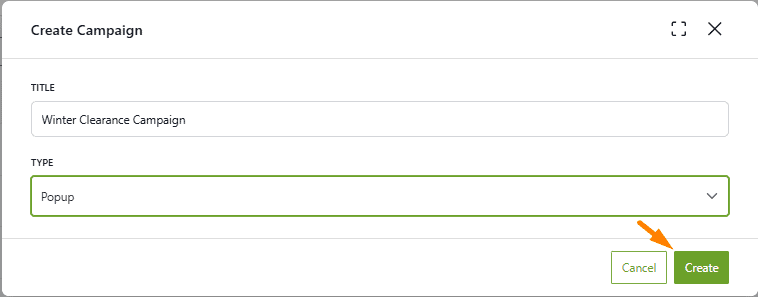
Hit the Create button.
After that, the OptinCraft editor interface loads, and by clicking on the “Texts”, various popup elements will appear.
Navigate to the Campaign Section. Click on the Device Visibility dropdown.
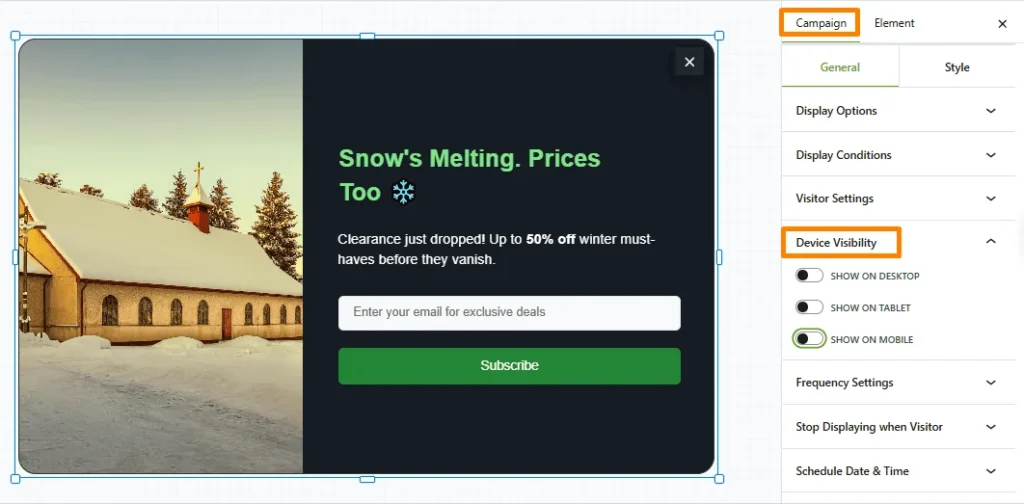
Finally, enable the buttons for
- Desktop
- Tablet
- Mobile
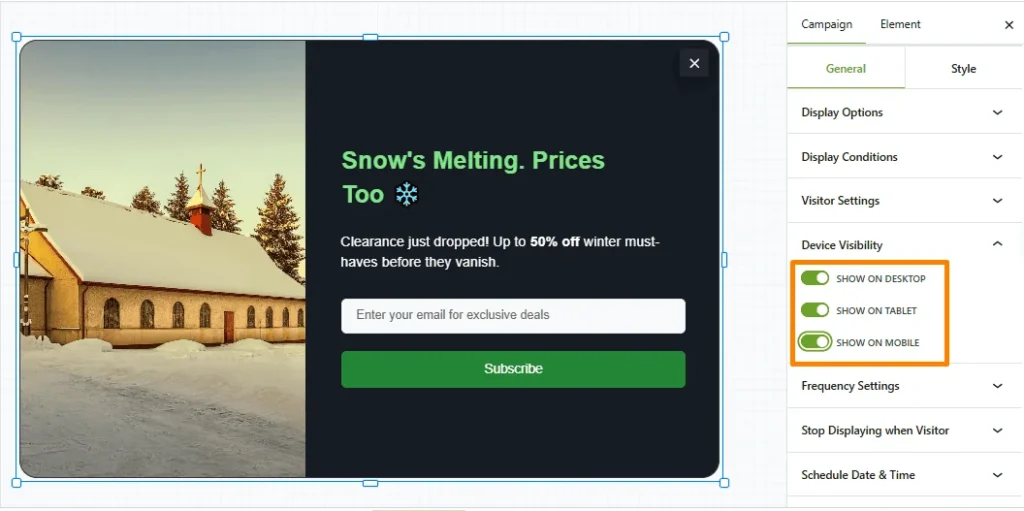
After that, pop-ups will appear on these three devices.


