AppNatively vs AppMySite vs Appy Pie: Which App Builder Is Best?

Team Crafium
Team Crafium is a passionate team of marketers…
In this article
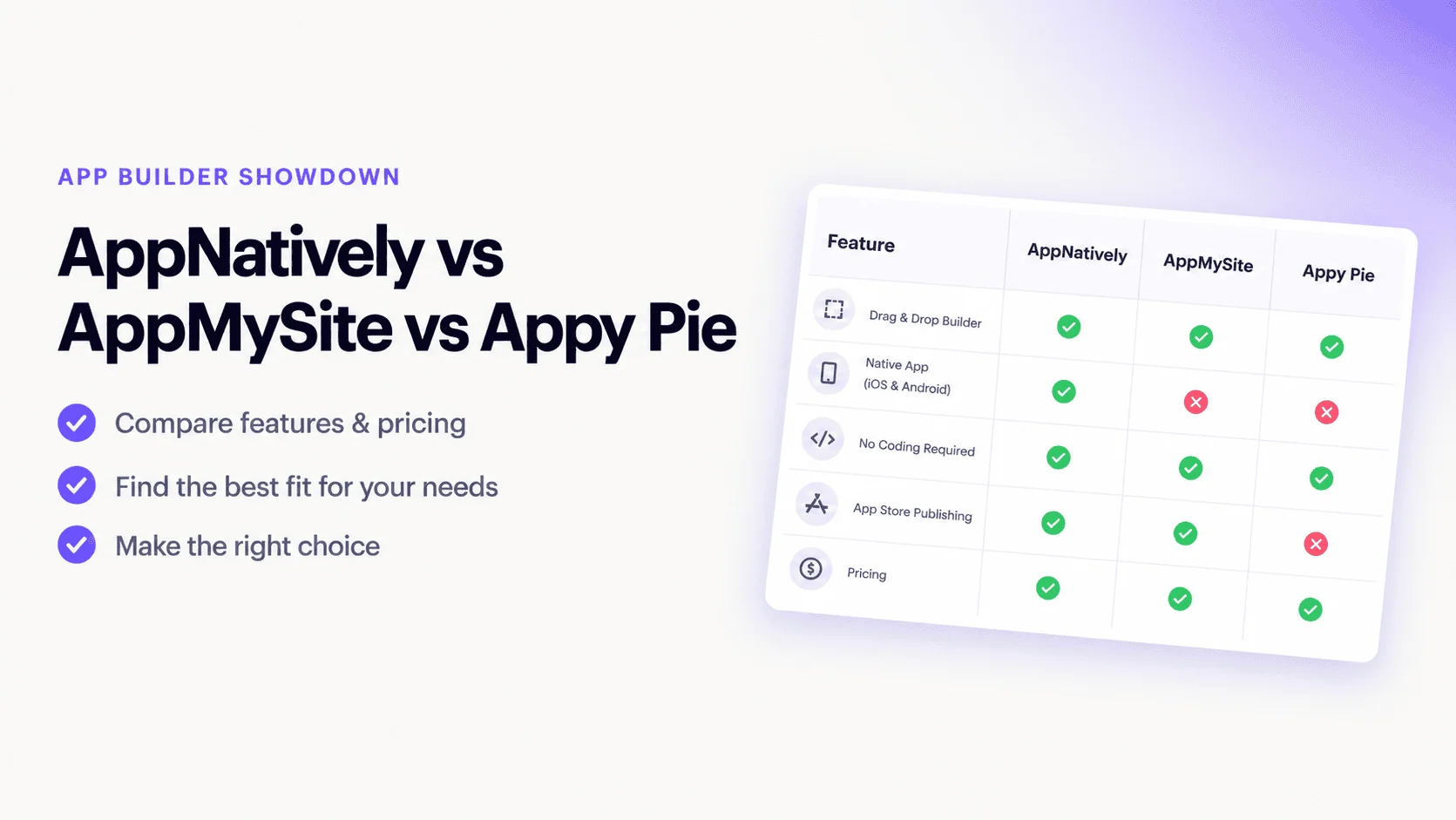
If you want to turn a website or business idea into a mobile app without hiring a development team, consider AppNatively, AppMySite, and Appy Pie.
All three can help you create Android and iOS apps without traditional coding. However, they are designed around different workflows.
AppNatively is focused on creating highly customizable native mobile experiences from existing websites, stores, directories, and APIs.
AppMySite focuses heavily on converting websites and ecommerce platforms into mobile apps, with AI now playing a larger role in app creation and customization.
Appy Pie takes a broader AI-first approach, allowing users to describe an app idea in natural language and generate an app with screens, backend functionality, payments, authentication, push notifications, and other features.
So, which one should you choose?
For businesses that already have a website, WordPress site, ecommerce store, directory, or custom API and want a highly customizable native mobile experience, AppNatively is the strongest fit.
For straightforward website-to-app and ecommerce projects, AppMySite is a strong option.
For creating a new app from an idea using AI, especially when you need a built-in backend, Appy Pie is worth considering.
Let’s compare them in detail.
Quick Answer: AppNatively vs AppMySite vs Appy Pie
| Feature | AppNatively | AppMySite | Appy Pie |
|---|---|---|---|
| Native Android apps | Yes | Yes | Yes |
| Native iOS apps | Yes | Yes | Yes |
| Website to app | Yes | Yes | Yes |
| WordPress | Excellent | Excellent | Good |
| WooCommerce | Excellent | Excellent | Good |
| Shopify | Yes | Yes | Yes |
| Custom REST API | Yes | Yes | More platform-centric |
| Directory apps | Excellent | Good | Limited compared with dedicated directory workflows |
| Visual app builder | Yes | Yes | Yes |
| AI app building | Yes | Yes | Yes |
| AI agent/MCP workflow | Yes | Limited | AI-first prompt workflow |
| Native UI components | Yes | Yes | Yes |
| Push notifications | Unlimited | Yes | Yes |
| OTA updates | Yes | Yes | Platform-dependent |
| Unlimited builds | Yes | Yes | Plan-dependent |
| Backend included | Uses existing backend/API | Primarily connected website/store data | Yes |
| Code export | No | No | No |
| App Store publishing | Yes | Yes | Yes |
| Google Play publishing | Yes | Yes | Yes |
| Best for | Custom native apps from existing platforms | Website/ecommerce conversion | AI-generated standalone apps |
Feature assessments are based on publicly available platform information and are intended as a practical buying guide, not independent performance benchmarks.
What Is the Difference Between AppNatively, AppMySite, and Appy Pie?
The biggest difference is what you start with and what you want the builder to do.
AppNatively: Start with your existing website or backend
AppNatively is designed around the idea that your website or backend already exists.
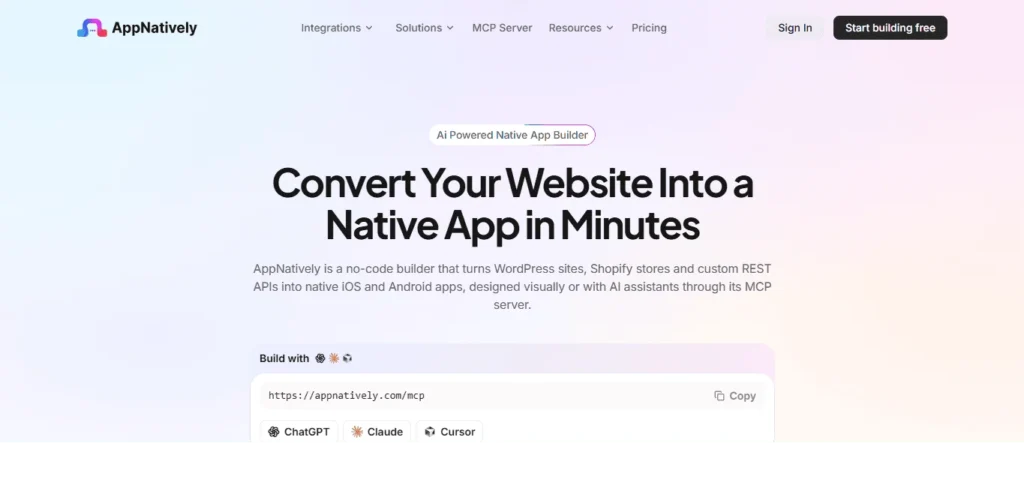
You connect a WordPress site, Shopify store, directory, or custom REST API and then build the mobile experience around that existing data.
Its workflow is:
Connect → Design → Preview → Launch → Update
The platform provides a visual native app editor, reusable native components, real-time device preview, push notifications, OTA updates, unlimited builds, and MCP-based AI workflows.
This approach makes it particularly useful for:
- WooCommerce stores
- WordPress websites
- Directory websites
- Booking websites
- LMS platforms
- Shopify stores
- Custom API-based websites
- Agencies building apps for clients
AppMySite: Convert your existing website into an app
AppMySite takes a similar website-to-app approach but puts strong emphasis on simplifying the conversion process.
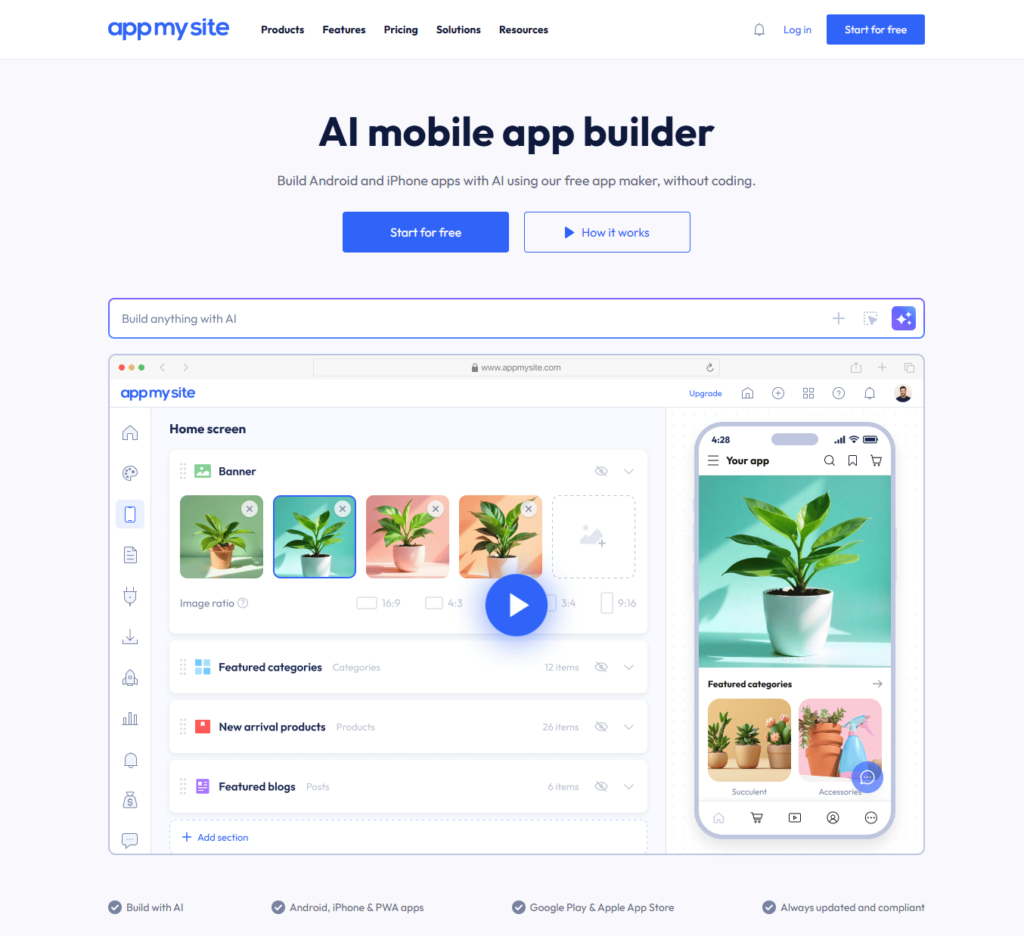
It supports Android, iPhone/iPad, PWA, WordPress, ecommerce features, custom post types, menus, search, filtering, cart, checkout, wishlists, order tracking, analytics, and various device capabilities.
Its current platform also includes AI-assisted app creation, where users can describe what they want and use AI to generate content, visuals, branding, layouts, and structure.
Appy Pie: Start with an idea or prompt
Appy Pie has taken a different direction with its AI app generator.
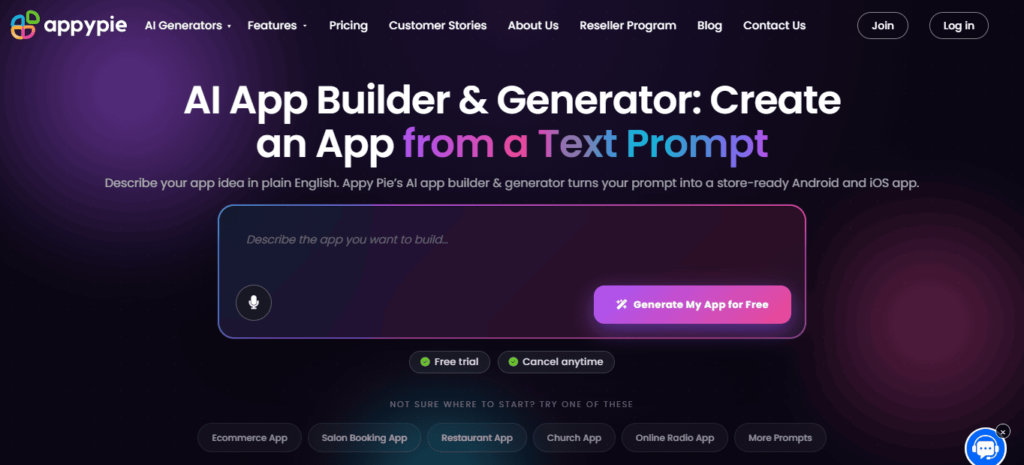
Instead of requiring an existing website, you can describe an application in natural language.
For example:
“Build a restaurant booking app with payments and loyalty rewards.”
Appy Pie’s AI can generate the initial app structure, screens, data models, and backend functionality. You can then modify the project using its visual editor and AI prompts.
This makes Appy Pie particularly interesting for someone who wants to create a new standalone application rather than primarily convert an existing website into an app.
AppNatively vs AppMySite vs Appy Pie: Detailed Comparison
1. Native app experience
All three platforms now position themselves around mobile apps that can be published to the major app stores.
AppMySite provides native Android and iOS app builds, including APK/AAB for Android and IPA generation for iOS.
Appy Pie provides signed Android and iOS builds intended for store publishing. Its current AI product specifically emphasizes store-ready Android and iOS apps rather than PWAs.
AppNatively focuses on native iOS and Android applications generated from connected websites, stores, and APIs. Its platform provides native UI components for ecommerce, directories, authentication, listings, maps, navigation, and other experiences.
Winner: AppNatively
For projects where native mobile UX and control over the mobile experience are the priority, AppNatively has the strongest positioning of the three.
2. Website-to-App conversion
This is one of the most important categories for website owners.
AppNatively connects directly to existing WordPress websites, Shopify stores, directories, and custom REST APIs. The app can use the existing backend rather than requiring you to rebuild the entire business system.
AppMySite is also strongly focused on website-to-app conversion, supporting WordPress, WooCommerce, Shopify, custom post types, taxonomies, menus, ecommerce functionality, and more.
Appy Pie can create apps from scratch and can also support business and ecommerce use cases, but its current AI positioning is broader than simply converting an existing website.
Winner: AppNatively and AppMySite
For a website owner who specifically wants to turn an existing website into a mobile app, these two are the more natural starting points.
3. AI App building
AI is now a major part of all three platforms.
AppNatively
AppNatively combines a visual app builder with AI-assisted development through its MCP server.
You can connect AI assistants and describe changes to your app. The platform’s documentation describes an editor where users can build manually or use AI assistants such as Claude or ChatGPT to make changes.
This is particularly interesting for developers, agencies, and advanced users who want AI to operate alongside a visual builder.
AppMySite
AppMySite’s current AI builder allows users to describe the application they want and then generate content, visuals, branding, layouts, and structure through AI.
Appy Pie
Appy Pie takes the most obvious prompt-to-app approach.
You describe the application, AI generates the first version, and you continue refining the same project through additional prompts. Its current platform also includes backend, authentication, payments, push notifications, and administration functionality.
Winner: Depends on the workflow
- AI + existing website/backend: AppNatively
- AI + website/app conversion: AppMySite
- Prompt-to-new-app: Appy Pie
4. Customization and design freedom
A major question when choosing an app builder is:
“Can I make the app look and work the way I want?”
AppNatively provides a visual editor with native components, screens, navigation, drawers, themes, search, filters, listings, maps, ecommerce components, authentication, account screens, and other building blocks.
AppMySite provides extensive customization options including navigation, layouts, fonts, colors, icons, dark mode, grids, lists, filters, maps, and device capabilities.
Appy Pie also provides a visual editor after AI generation, allowing users to modify colors, fonts, layouts, content, and other elements.
The important distinction is the starting point.
AppNatively is designed to let you build the mobile experience around your existing data and backend.
Appy Pie is designed to generate a new application structure and backend from an idea.
Winner: AppNatively
For businesses that want to treat their mobile app as a dedicated product rather than simply reproduce their website, AppNatively has an especially strong fit.
5. WordPress and WooCommerce
For WordPress users, the comparison becomes more interesting.
AppMySite has long focused on WordPress and WooCommerce app conversion, with support for products, categories, custom post types, taxonomies, menus, users, orders, carts, checkout, and related ecommerce functionality.
AppNatively also has strong WordPress support, including WooCommerce and several WordPress ecosystem integrations. Its current platform lists WooCommerce, SureCart, FluentCart, Shopify, Directorist, GeoDirectory, HivePress, Business Directory Plugin, aDirectory, Brilliant Directories, and other integrations.
Appy Pie is less specifically centered on the WordPress ecosystem.
Winner: AppNatively and AppMySite
For WordPress users, these two deserve the closest comparison.
6. Directory apps
This is where the differences become more significant.
A directory app needs more than a simple collection of pages.
It may need:
- Listings
- Categories
- Search
- Filters
- Location data
- Maps
- Listing details
- Reviews
- User accounts
- Favorites
- Contact information
- Custom fields
- Navigation
AppNatively provides dedicated native components for listings, listing queries, locations, listing maps, listing reviews, listing media galleries, categories, and related directory functionality.
It also has direct integrations with directory platforms such as Directorist, GeoDirectory, HivePress, Business Directory Plugin, and aDirectory.
AppMySite can handle WordPress custom post types, taxonomies, filters, maps, and related functionality, making it capable of supporting directory-style projects.
Appy Pie can build event, community, booking, and other structured apps, but it is not positioned specifically around the WordPress directory ecosystem.
Winner: AppNatively
For a WordPress directory owner, AppNatively is the more specialized option.
7. Shopify and Ecommerce
For ecommerce businesses, all three platforms can be relevant, but their approaches differ.
AppNatively supports Shopify through the Storefront API and can connect the store’s products, collections, pages, blog content, customer accounts, and orders to the native mobile experience.
AppMySite has extensive ecommerce functionality including products, categories, search, filters, wishlists, carts, coupons, checkout, payments, shipping, taxes, and order tracking.
Appy Pie provides ecommerce, payments, push notifications, user accounts, analytics, and other business functionality through its broader application platform.
Best choice depends on your store
Choose AppNatively if you want a highly customized native experience around an existing Shopify or WooCommerce store.
Choose AppMySite if straightforward ecommerce conversion and extensive ecommerce-specific features are your priority.
Choose Appy Pie if you want ecommerce functionality as part of a broader standalone application.
8. API and Backend flexibility
This is one of AppNatively’s strongest differentiators.
AppNatively supports custom REST APIs, allowing businesses to connect an existing backend to the mobile application.
That means you don’t necessarily need to rebuild your existing infrastructure just because you want a mobile app.
This is particularly useful for:
- SaaS businesses
- Custom websites
- Booking systems
- Membership platforms
- Internal business systems
- Custom ecommerce platforms
- Directory platforms
- Agencies
AppMySite also supports custom app projects and integrations, but its core strength remains website and ecommerce conversion.
Appy Pie takes a different approach by providing backend functionality and hosting as part of its platform.
Winner: AppNatively for existing custom backends
If you already have an API and want to build a native mobile frontend around it, AppNatively is particularly compelling.
9. Push notifications and user engagement
Push notifications are important for ecommerce, directories, communities, booking platforms, and content businesses.
AppNatively provides unlimited push notifications through Firebase-powered notifications on its current paid plans.
AppMySite also supports push notifications and app engagement features.
Appy Pie includes push notifications and allows broadcasts, targeted segments, and behavior-triggered notifications through its platform.
Winner: Tie
All three provide meaningful push notification capabilities.
10. OTA Updates
Over-the-air updates can be useful when you need to make supported UI or JavaScript changes without waiting for a full store release.
AppNatively explicitly supports OTA updates and explains that supported UI, content, and JavaScript changes can be delivered without another store submission. Native capability changes or other platform-sensitive changes may still require a new release.
AppMySite also offers ongoing app update functionality.
Winner: AppNatively
AppNatively makes OTA updates a prominent part of its product positioning, particularly for teams that expect to iterate frequently.
11. Pricing
Pricing can change frequently, so it is better to compare the current entry points rather than treat prices as permanent.
AppNatively’s current pricing page lists plans starting at $6/month for Basic and $15/month for Plus, with lifetime options also available on eligible plans. The Basic plan includes Android support, while Plus adds iOS support.
Appy Pie’s current public pricing lists:
- Basic: $16/app/month
- Gold: $36/app/month
- Platinum: $60/app/month
The Platinum plan adds iOS publishing, while the lower tiers focus on Android publishing.
AppMySite uses plan-based pricing and provides a free starting option, with features and publishing capabilities varying by plan.
Pricing winner: AppNatively
Based on the currently published entry pricing, AppNatively provides a particularly low-cost route into native app building, especially for users who qualify for its lifetime plans.
AppNatively vs AppMySite vs Appy Pie: Pros and Cons
AppNatively
Pros
- Native iOS and Android apps
- Strong website-to-app workflow
- WordPress and WooCommerce support
- Shopify support
- Custom REST API connectivity
- Dedicated directory integrations
- Visual native app builder
- AI-assisted development
- MCP integration
- OTA updates
- Unlimited builds
- Unlimited push notifications
- Strong customization
- Cloud-based iOS builds
Cons
- Best suited to businesses that already have a website, backend, store, or API
- Users wanting a completely standalone backend-first application may find Appy Pie’s approach more convenient
AppMySite
Pros
- Strong website-to-app conversion
- WordPress support
- WooCommerce support
- Shopify support
- Native Android and iOS apps
- AI-assisted app creation
- Ecommerce-focused functionality
- Extensive device capabilities
- PWA support
- App preview and testing tools
Cons
- Its strongest use case is still website and ecommerce conversion
- Advanced custom workflows may require more platform-specific configuration
AppMySite currently positions itself as an AI mobile app builder while retaining its broader website-to-app feature set.
Appy Pie
Pros
- Prompt-to-app generation
- AI-assisted development
- Android and iOS publishing
- Backend included
- Hosting included
- Payments
- Authentication
- Push notifications
- Analytics
- Admin panel
- Visual editing after AI generation
- Large selection of business app use cases
Cons
- No source-code export
- Less focused on existing WordPress ecosystems
- Hosted platform model
- Design flexibility is more constrained than code-level development
- Pricing increases when iOS publishing and additional functionality are required
Appy Pie explicitly states that AI-generated apps run on its hosted infrastructure and that source-code export is not provided.
Which App Builder Is Best for Different Users?
| If you are… | Best choice |
|---|---|
| A WordPress website owner | AppNatively / AppMySite |
| A WooCommerce store owner | AppNatively / AppMySite |
| A Shopify store owner | AppNatively / AppMySite |
| A directory website owner | AppNatively |
| A custom API owner | AppNatively |
| An agency building highly customized client apps | AppNatively |
| Looking for AI prompt-to-app creation | Appy Pie |
| Building a new standalone business app | Appy Pie |
| Want a simple website-to-app workflow | AppMySite |
| Want AI + visual editing | AppNatively / AppMySite / Appy Pie |
| Want MCP/AI-agent workflows | AppNatively |
| Want a low-cost native app builder | AppNatively |
| Want backend + hosting included | Appy Pie |
AppNatively vs AppMySite vs Appy Pie: Which One Should You Choose?
There isn’t one universal winner.
The right choice depends on what you already have and what you want your mobile app to become.
Choose AppNatively if:
You already have a website, WordPress installation, WooCommerce store, Shopify store, directory, or custom API and want to turn that existing infrastructure into a highly customized native mobile application.
It is particularly attractive if you need:
- Native UI
- Custom screens
- API connectivity
- Directory functionality
- Ecommerce functionality
- AI-assisted building
- MCP
- OTA updates
- Unlimited builds
- Push notifications
Choose AppMySite if:
Your primary goal is to convert an existing website or ecommerce store into a mobile application with a relatively straightforward workflow.
It is particularly suitable for WordPress, WooCommerce, Shopify, and content-driven websites.
Choose Appy Pie if:
You don’t necessarily have an existing website or backend and instead want to say:
“Here’s the app I want. Build the first version for me.”
Appy Pie’s AI-first workflow, backend, hosting, authentication, payments, push notifications, and admin functionality make it a strong choice for that use case.
Final Verdict
AppNatively, AppMySite, and Appy Pie solve different versions of the app-building problem.
If your goal is website-to-native-app conversion with deep customization, AppNatively is the strongest overall choice.
If your goal is straightforward WordPress, WooCommerce, Shopify, or website-to-app conversion, AppMySite remains a strong alternative.
If your goal is prompt-to-app generation with an included backend and hosting, Appy Pie is particularly compelling.
The simplest way to choose is:
Existing website + maximum mobile customization → AppNatively
Existing website + straightforward conversion → AppMySite
New app idea + AI-generated backend → Appy Pie
For businesses that already have valuable website data, products, listings, users, or custom APIs, the biggest advantage of AppNatively is that you don’t have to start your mobile product from zero. You can connect the systems you already use and build a native mobile experience on top of them.
Frequently Asked Questions (FAQs)
Is AppNatively better than AppMySite?
It depends on the project. AppNatively is particularly strong when customization, custom APIs, directory functionality, AI-agent workflows, MCP, and native mobile UX are priorities. AppMySite is particularly strong for straightforward website, WordPress, WooCommerce, and Shopify app conversion.
Is AppNatively better than Appy Pie?
For turning an existing website, store, directory, or API into a customized native app, AppNatively is generally the better fit. For generating a completely new app from a natural-language prompt with an included backend and hosting, Appy Pie may be the better choice.
Which is the best website-to-app builder?
There is no universal winner. AppNatively and AppMySite are both strong website-to-app options. AppNatively stands out when deeper native customization and API connectivity are important, while AppMySite is particularly strong for WordPress and ecommerce conversion.
Which is the best AI app builder?
It depends on what you mean by “AI app builder.” Appy Pie is strong for prompt-to-app generation, AppMySite provides AI-assisted website/app creation, and AppNatively combines AI-assisted app development with a visual native builder and MCP workflows.
Can I turn a WordPress website into a native mobile app?
Yes. AppNatively and AppMySite both support WordPress-to-mobile-app workflows. AppNatively also supports WordPress ecosystems including WooCommerce and several directory platforms.
Can I turn a WooCommerce store into an app?
Yes. Both AppNatively and AppMySite support WooCommerce app experiences. The best choice depends on whether you prioritize deeper mobile customization or a more straightforward ecommerce conversion workflow.
Does AppNatively require coding?
No. AppNatively provides a visual builder and native components, and its AI-assisted workflow can also help create and modify app experiences without traditional coding.
Does Appy Pie provide the backend?
Yes. Appy Pie’s current AI app builder includes backend functionality and hosting, including user accounts, content, payments, push notifications, and administration features.
Does AppNatively support custom APIs?
Yes. Custom REST API connectivity is one of AppNatively’s core capabilities, allowing existing websites and backend systems to power native mobile experiences.
Which platform is best for a directory app?
For a directory website, AppNatively is the strongest fit of these three because it specifically supports directory-oriented native components and integrations such as Directorist, GeoDirectory, HivePress, Business Directory Plugin, and aDirectory.
Which platform is cheapest?
Based on the current published entry prices, AppNatively has the lowest starting paid plan among these three, at $6/month for its Basic plan, while Appy Pie lists publishing plans from $16 per app/month and AppMySite’s pricing varies by plan and publishing requirements. Prices can change, so check each platform’s current pricing before purchasing.
Can these app builders publish to Google Play and Apple App Store?
Yes. All three currently provide workflows for Android and iOS app publishing, although the exact platforms, plans, build formats, and submission requirements differ.
Share this blog:

About Team Crafium
Team Crafium is a passionate team of marketers and developers led by Md Hamim Khan, sharing expert insights on software, WordPress plugins, SaaS, and digital tools to help businesses and creators grow smarter.